
Try it free with your photo, no card needed
Remove or swap the background of an old photo by writing what you want.
To remove the background of an old photo, upload it to RestauraAI and, in the "Any detail to take care of?" field, write what you want, like "remove the curtain" or "plain light gray background". The AI restores the photo and rebuilds the background as asked; the preview is free, with a watermark. The result is an interpretation and does not always follow the request to the letter, so compare with the original. The photo comes back whole, with no transparent background. Every photo goes through the full restoration: if it is black and white or sepia, it comes back in natural colors that fit the period.
- Free trial, no card
- High quality from US$2.99
- Card payment, no subscription
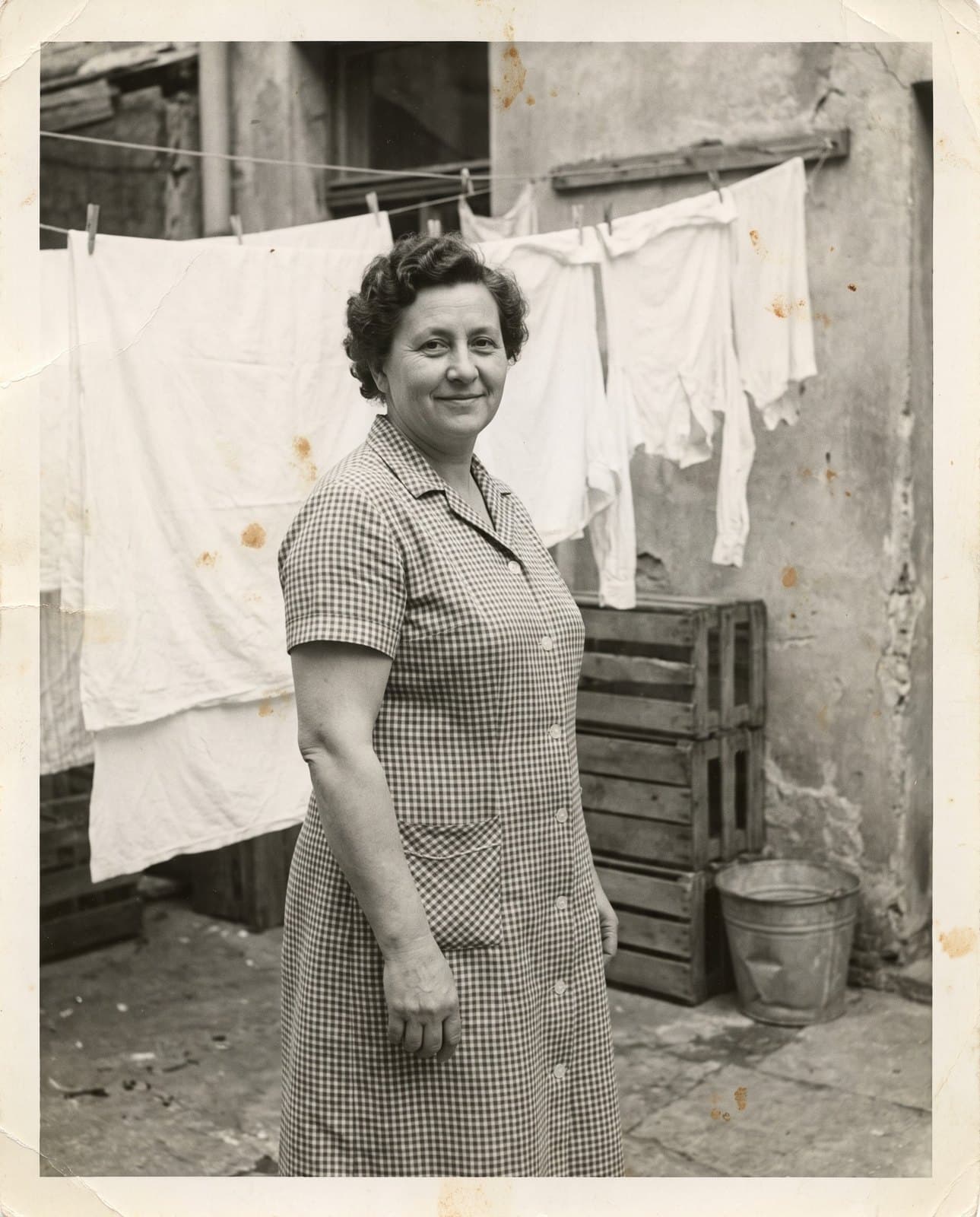
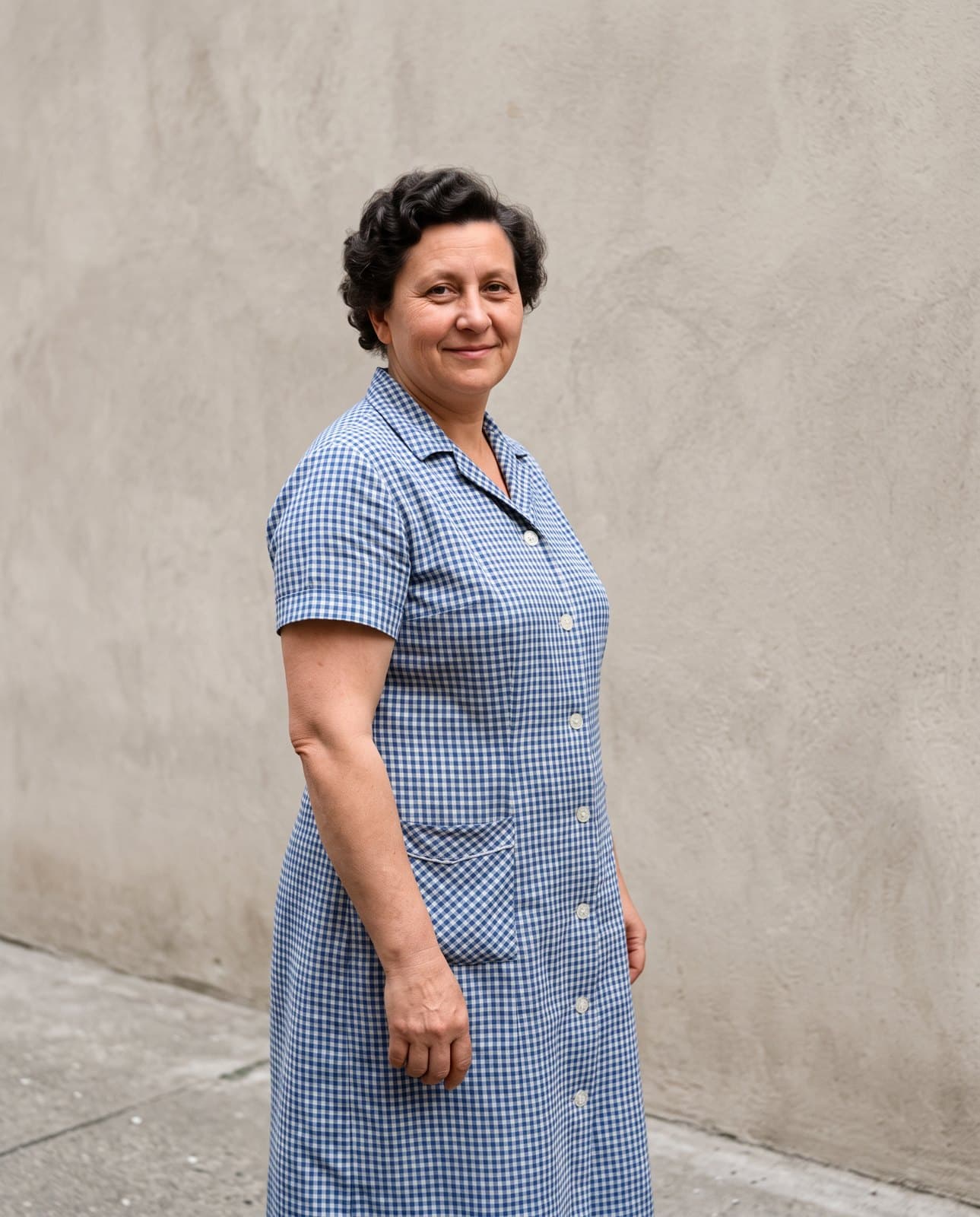
What you can ask for
Clean up, swap or remove from the background
You write the request in your own words; the AI interprets it during the restoration.
Damaged background
Stains, mold and tears in the background are treated along with the rest of the photo.
A new background
Ask for a plain, white or light blue background, or a garden, and check the preview.
Remove a curtain, an object or whatever is in the way
Ask to remove what gets in the way behind the people who matter. It is interpretation: check the result.
When to use it
When swapping the background is worth it
The portrait is good and what's behind it gets in the way.
Clean portraits
Swap the stained wall behind an old portrait for a plain background.
Photo to frame
Remove the curtain, the clutter or the object in the way, before the frame.
Stained backgrounds
Treat backgrounds with mold, moisture stains or tears.
Tribute photos
A portrait with a sober background for frames, banners and memorials.
How it works
How to remove the background in 3 steps
No software and no editing skills: you upload the photo, write your request and check the preview.
Upload the photo
Accepts JPG, PNG, WEBP or HEIC, up to 25 MB, with the background you want to change.
It can be a phone photo or a scan.
Write the background you want
In the "Any detail to take care of?" field, write in your own words: "plain light gray background" or "remove the curtain".
The field is optional; with no request, the photo is just restored.
Compare the preview
See the result in seconds and compare it with the original before buying.
For a large frame, choose 4K before restoring; the time varies.
Price
What it costs
The trial is free, no card. Like it? Any purchase unlocks that photo in high quality, and the pack's coins restore the next ones.
Entry pack
US$2.99
1 coin
Photo in 2K
1 coin
Photo in 4K
2 coins
Any purchase unlocks 4K (2 coins per photo).
If a generation fails, the coin returns to your balance. Refunds follow the Terms: within 30 days of purchase, case by case. Read the Terms
- Your images aren't used to train AI
- Gallery behind a login; you delete from the dashboard
- Privacy Policy
Keep exploring
Keep going
Questions
Questions about removing the background
The most common questions from people who want to clean up or swap the background of an old photo.
Can I remove the background of a very old photo?
Yes, you write the request and the AI tries to apply it during the restoration, which also repairs a faded, yellowed or stained background. The result is an interpretation: compare the preview with the original.
Can I choose the color of the new background?
Yes: write the color you want in the "Any detail to take care of?" field, like "white background" or "light blue". The photo comes back whole, with the new background; it does not come out with a transparent background.
Does the hair look natural at the edge of the new background?
The whole photo is rebuilt with the new background, with no pasted cutout, so hair and clothing tend to blend into the background. Check the edges in the preview before buying.
Does the AI always do what I ask?
Not always. The request is text that the AI interprets, and the result may differ from what you pictured. See the free preview and compare with the original before downloading.
Does it work with group photos?
It does. The restoration is guided to keep each person's facial features; check every face in the preview.
Can I restore and swap the background at the same time?
Yes, in the same restoration: you upload the photo, write the background request and it comes back restored. The request goes along with the restoration and uses the same coins.
Can a black-and-white photo be recovered?
Yes. Besides treating the damage, the AI returns the photo in natural colors that fit the period. They are the AI's interpretation.
How much does it cost to restore a photo?
The first preview is free, with a watermark. To download without the mark, the entry pack costs US$2.99 and includes 1 coin. A 2K photo uses 1 coin; 4K uses 2 coins. In the 100-coin pack, each 2K photo comes to US$0.55. One-time payment, by card.
How long does it take?
The time varies with the image and processing. You follow the progress on screen.
Where are my photos kept?
Results stay in your account gallery, behind a login, and you can delete them from the panel. The Privacy Policy describes how data is used and kept.
What if the restoration fails or I do not like it?
If the generation fails, the coin returns to your balance. You see the preview before buying. Refunds follow the Terms: within 30 days of purchase, assessed case by case; coins already used are not refundable.
Which background gets in the way of your photo?
Upload it now and see it restored in seconds. You only pay if you like it.
Upload my photoFree trial, no card. You only pay if you like it, from US$2.99.