
The photo tucked away in a drawer
Restore old photos with AI and see the faces you love again.
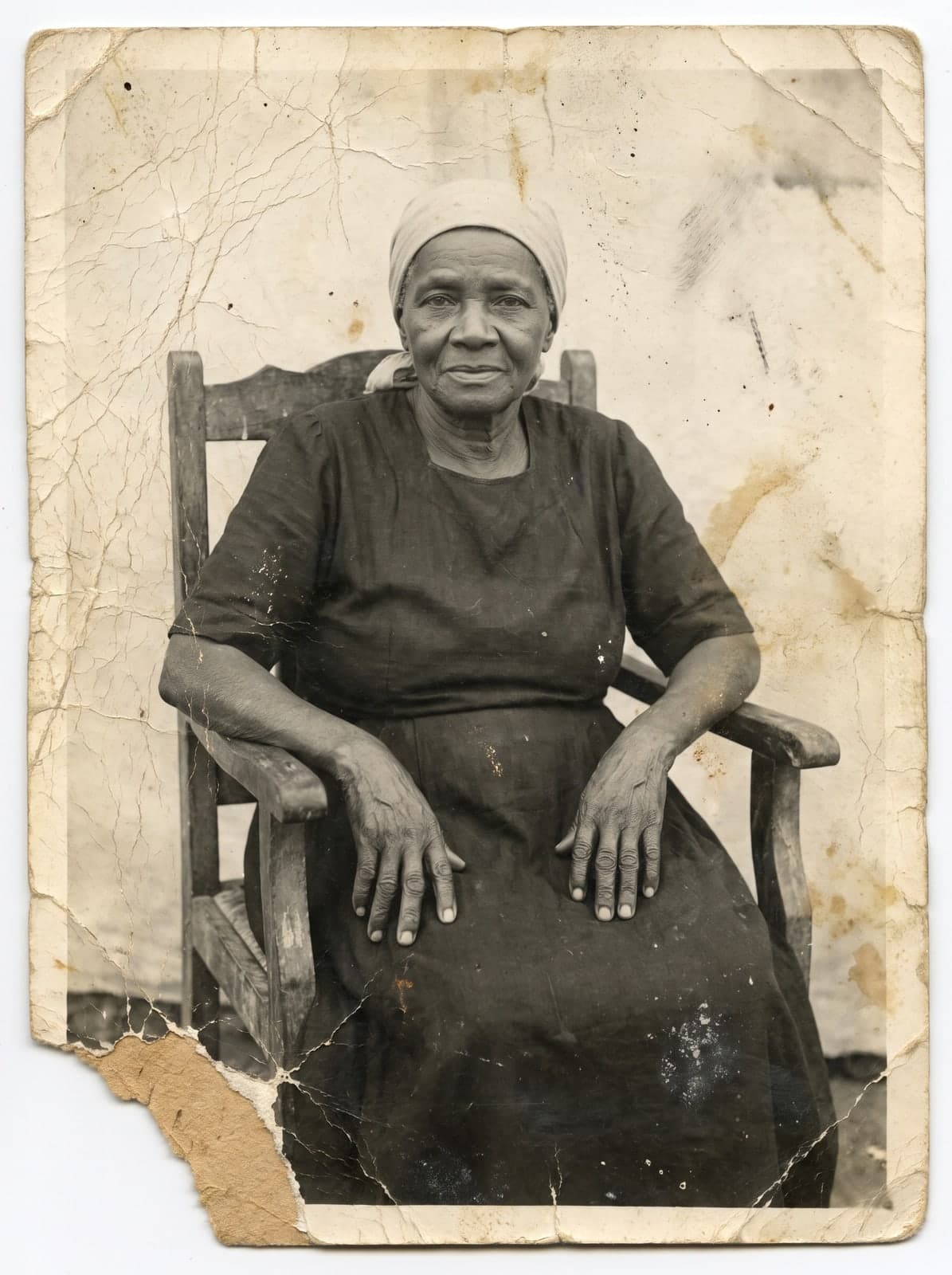 Before
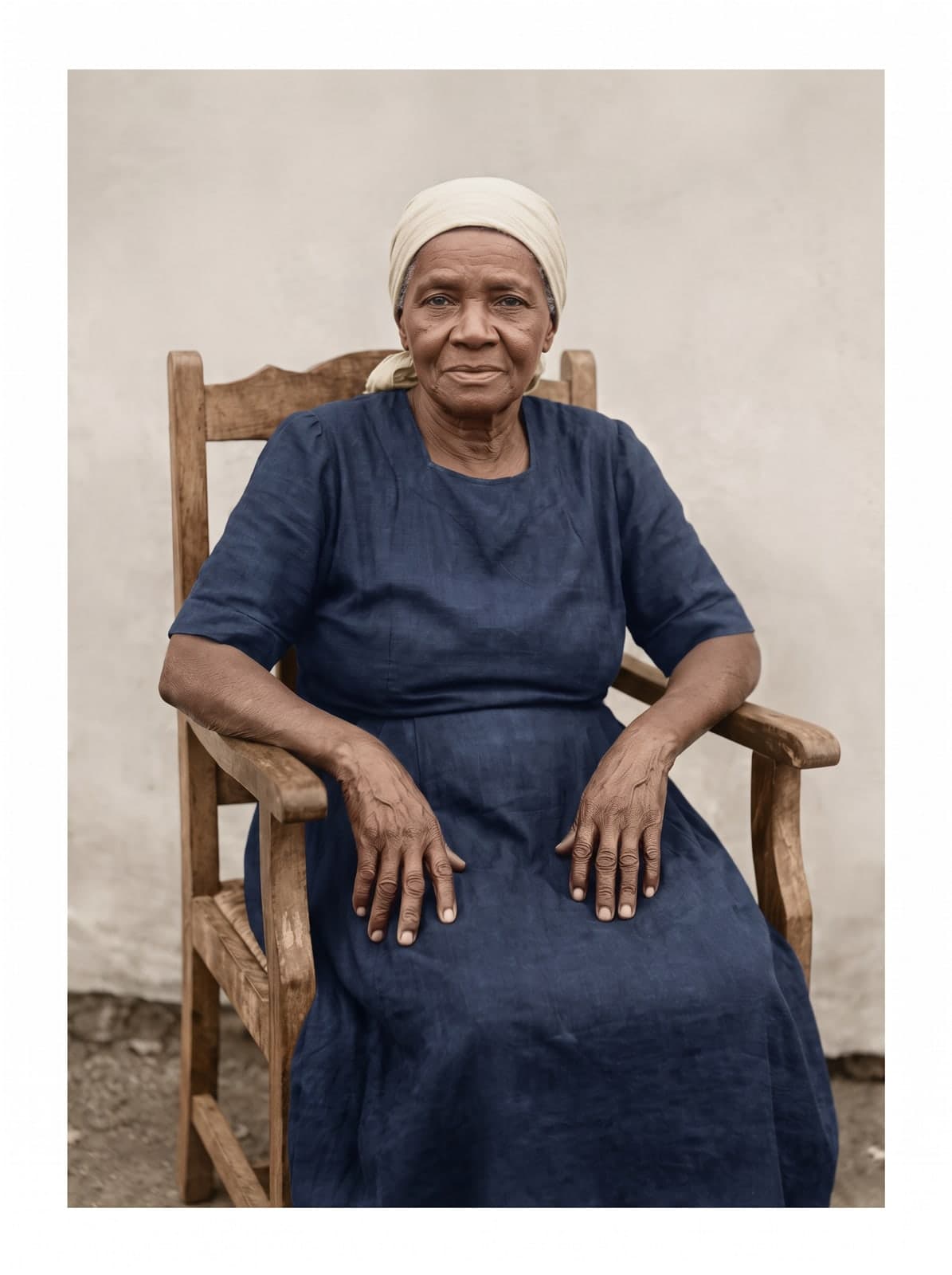 After
AfterUpload the torn, stained or faded photo. You only pay if you love it.
 Restore a document
- Free preview
- No card
- Your choice
 High quality from US$2.99Card payment, no subscription
Old documents
Certificates and letters become readable again.
Stains, mold, creases and yellowing disappear in seconds, and the handwriting becomes readable again. Keep it, print it or send it to family.
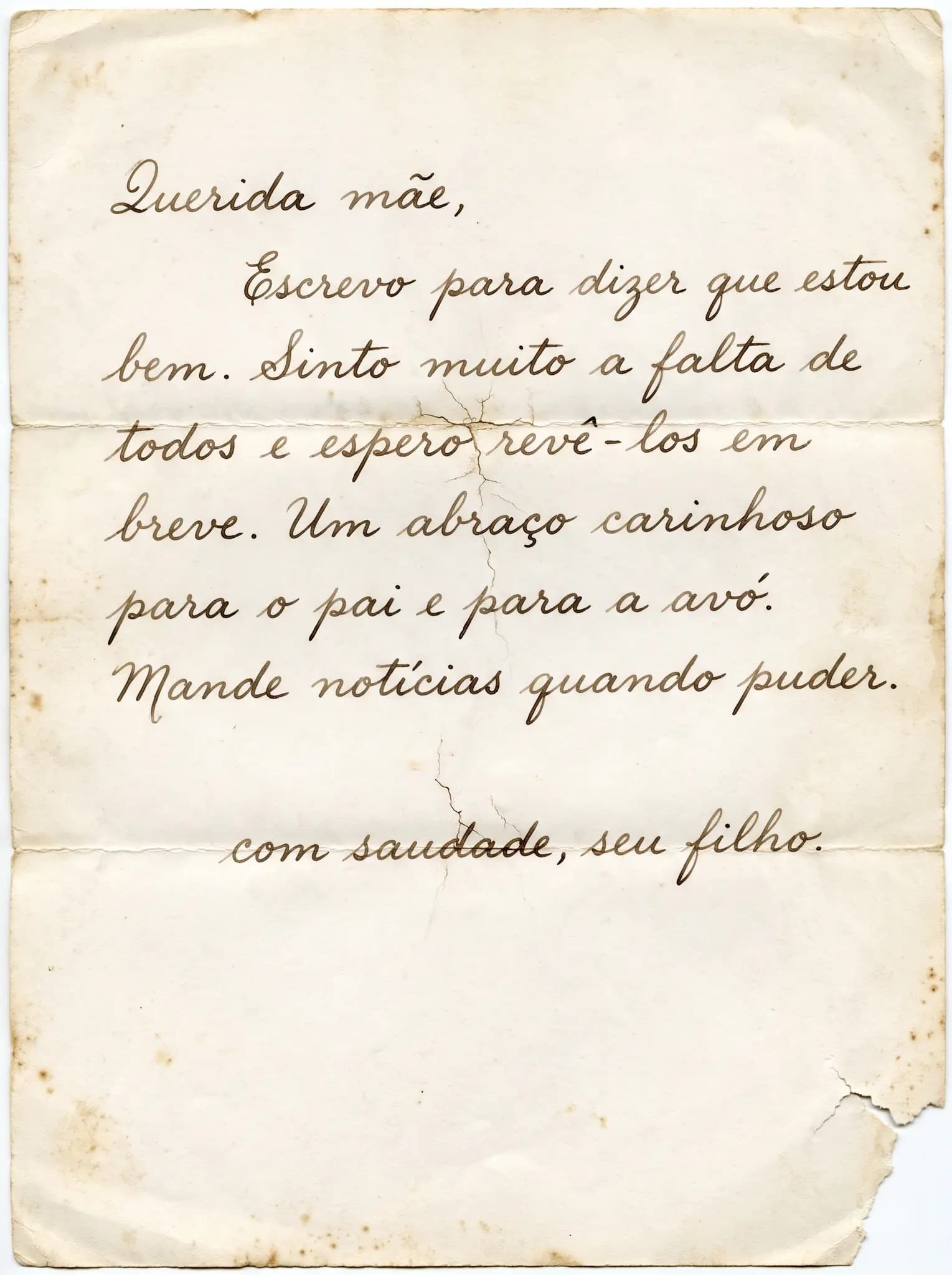 Before
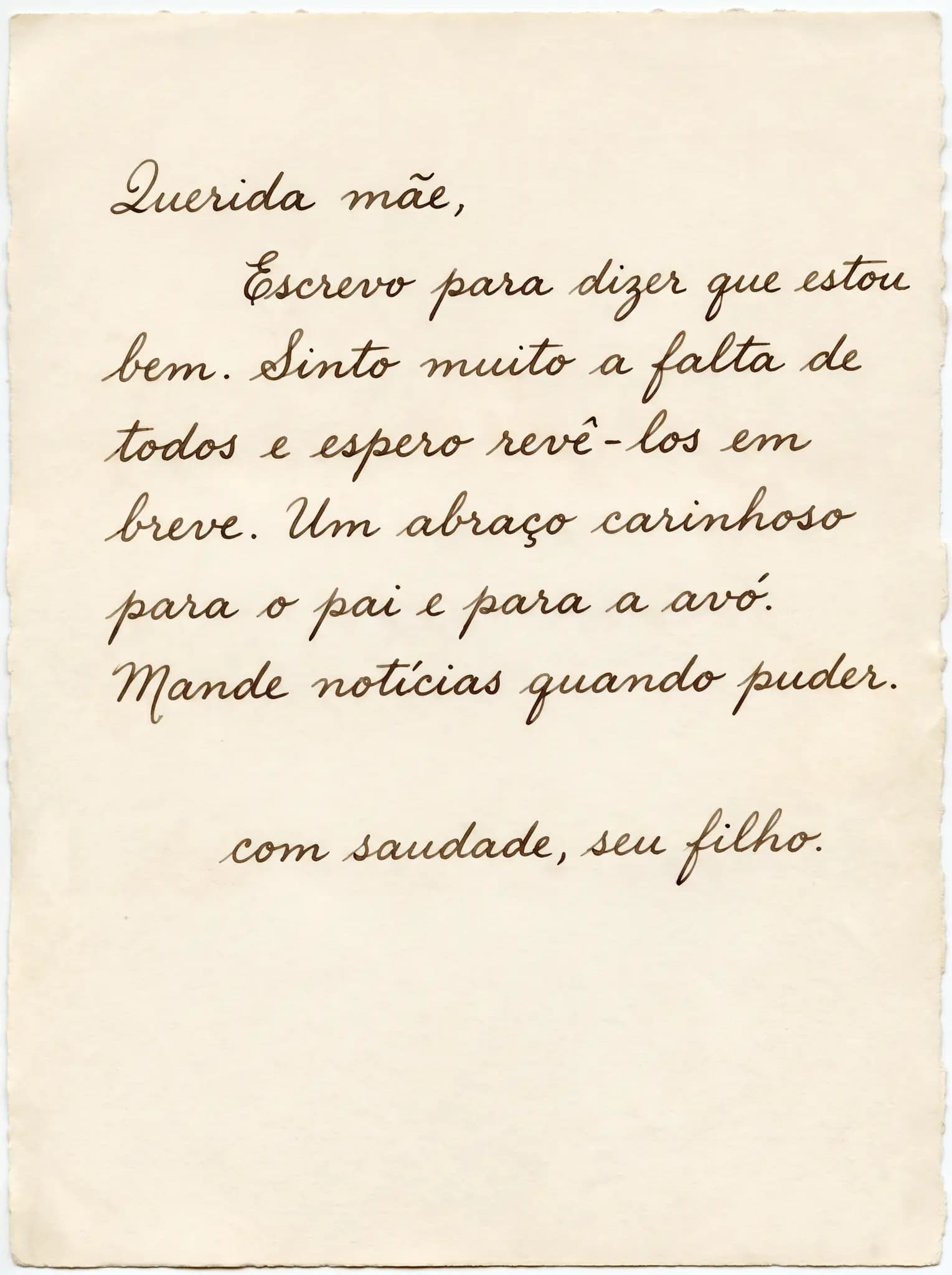 After
After Birth and marriage certificates
 Letters and postcards
 Diplomas and certificates
 Booklets, receipts and deeds
With very faded writing, check names, numbers and dates before you use the file.
Take a closer look
In an old photo, the face is what you miss.
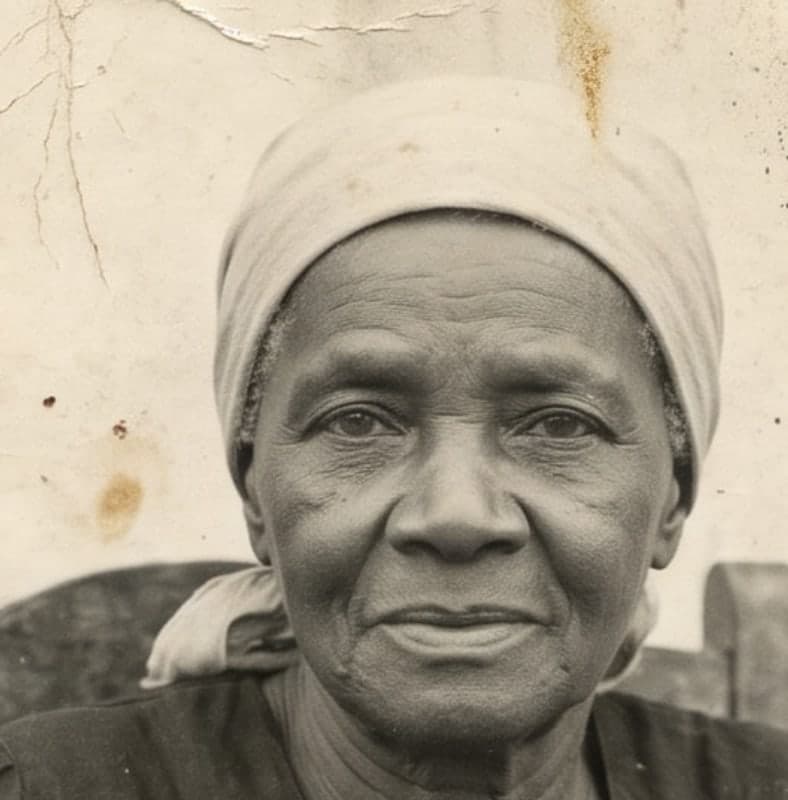
Look at the eyes, mouth and shape of the face. Drag the photo, compare before and after and see what you recognize.
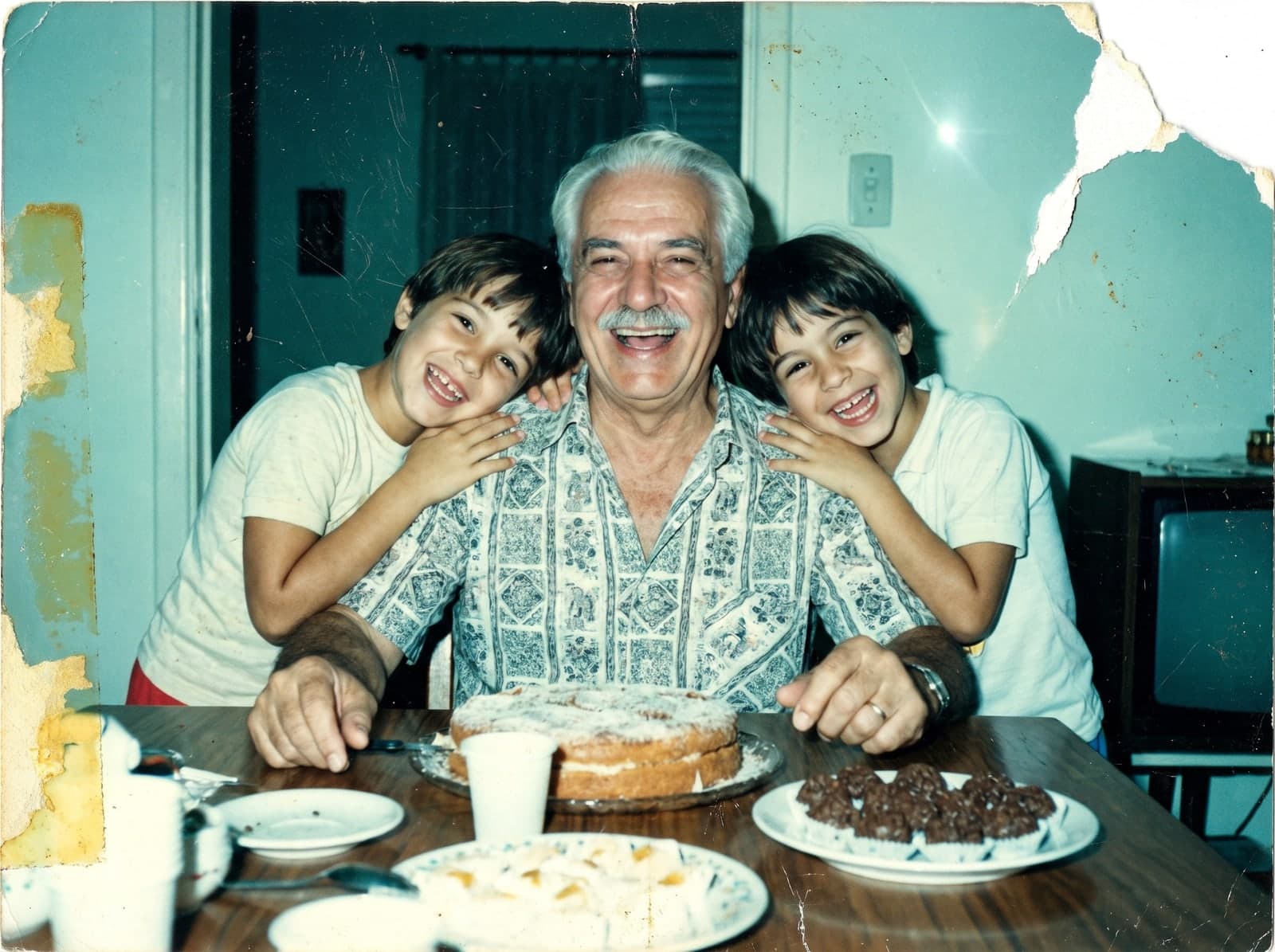
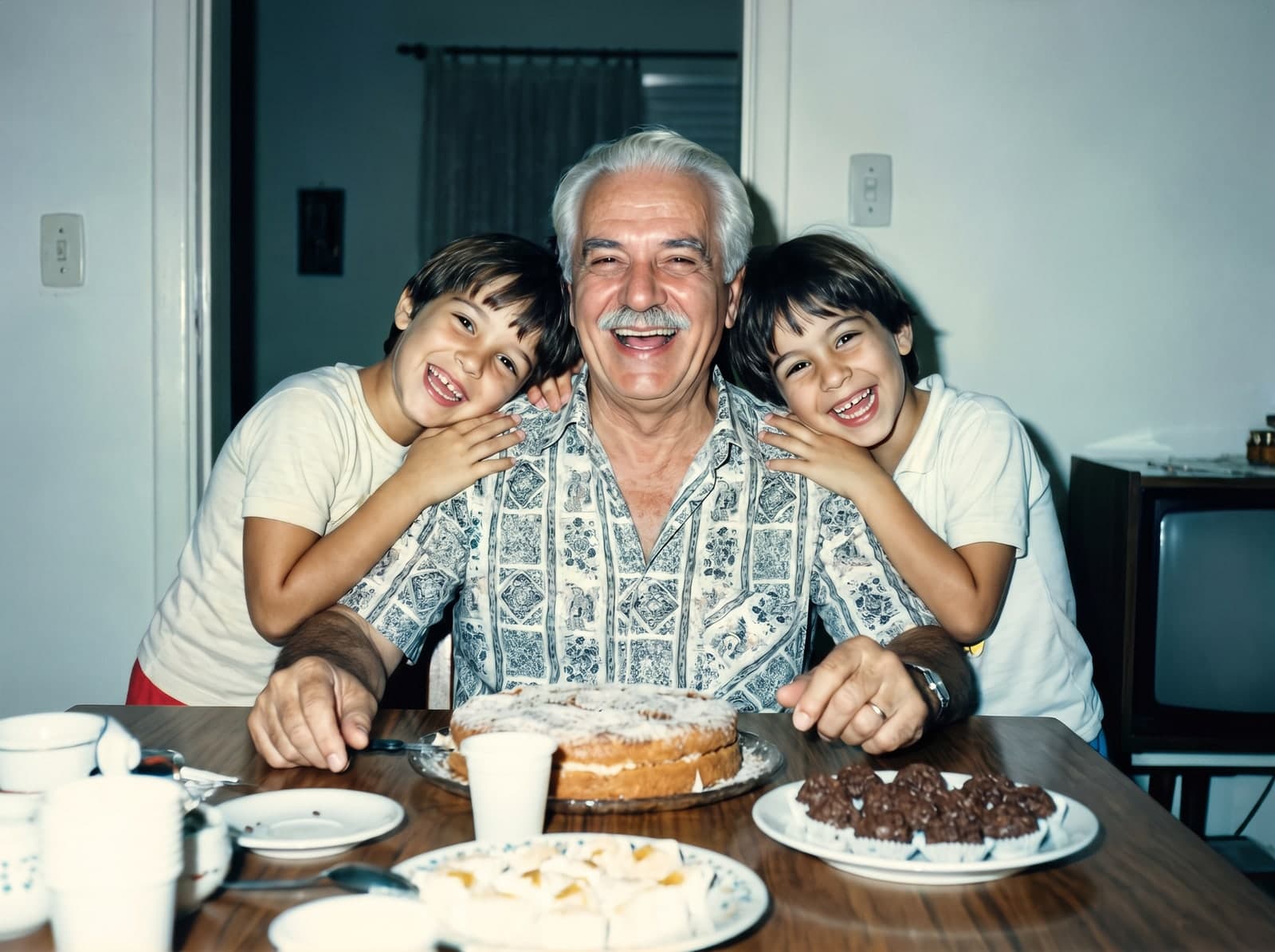
Before 
After Great-grandmother, 1940s

Before 
After Portrait, 1950s
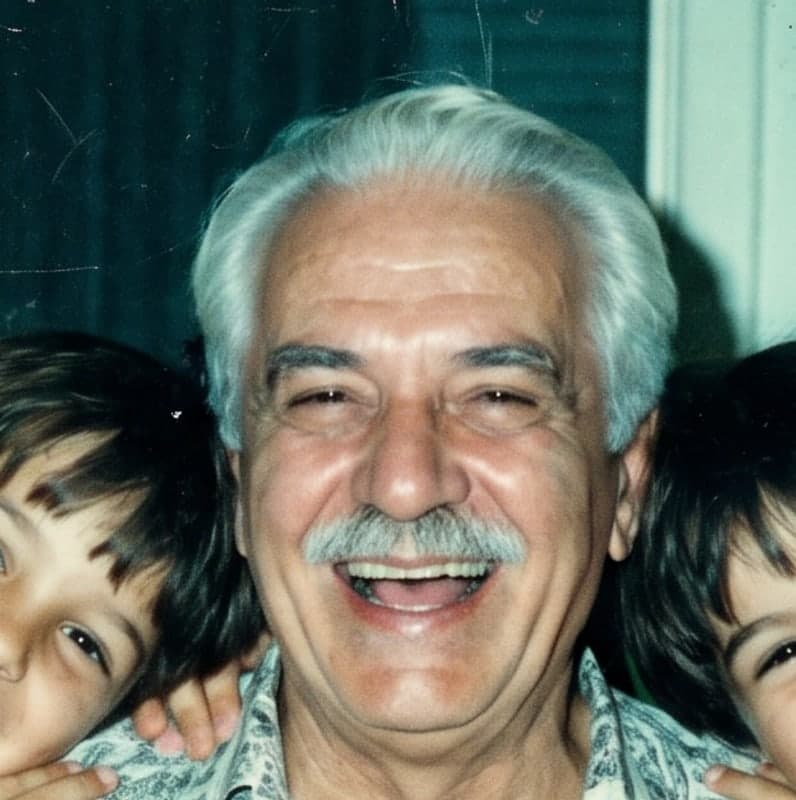
Before 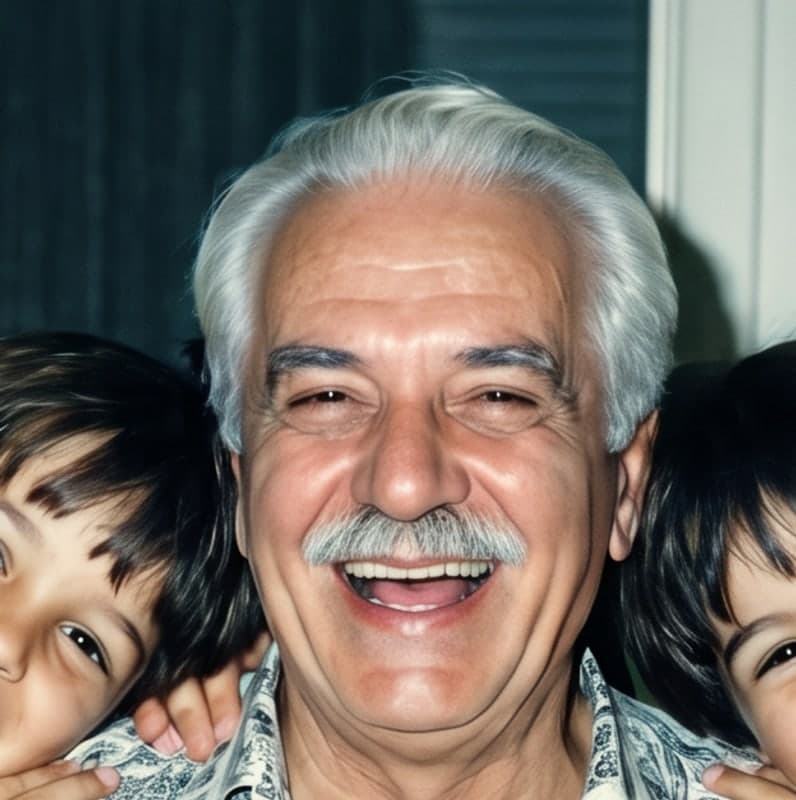
After Grandfather, 1980s
Examples restored by RestauraAI, no manual retouching.
I want to see my photo like thisHow it works
How to restore an old photo with AI in 3 steps
Photograph the print with your phone, upload it and see it restored on screen in seconds. No scanner, no software, nothing to install.
Photograph the old print
Take a picture of it with your phone, near a window and without flash, with the print straight and fully in frame. A scanned photo works too.
Tip: take it out of the frame to avoid glare from the glass.
Upload it and say what you want
Upload JPG, PNG, WEBP or HEIC (iPhone), up to 25 MB. If you like, write a request for the AI. Restoration takes about 20 seconds.
Example: “remove the scratch from my grandmother’s face” or “make the photo color”.
See it ready and download
The preview shows up on screen, with a watermark. Like it? Pick a pack and download it in high quality, ready to print.
The photo appears in your account’s gallery. Download the file to keep your own copy.
RestauraAI Coins
Each coin restores a photo.
1 coin restores 1 photo in high quality, ready to print. Try it free with your photo and, if you love it, pick a pack: the photo you already restored is unlocked right away.
 Buy once, unlocked. The photo you already restored downloads in high quality as soon as the payment is confirmed, without spending another coin.
 They don’t expire. Purchased coins stay in your balance until the next photo turns up.
 1 coin1 photo back, ready to print
- 1 coinUS$2.99US$2.99 per photoFor that one special photoChoose
 5 coinsUS$5.49US$1.10 per photoFor the family portraitsChoose
 - Lowest price per photo
 10 coinsUS$8.49US$0.85 per photoTo restore the albumChoose
One-time card payment, no subscription. See all packs and plans
Once it’s restored
A restored photo becomes a gift, a framed print and a family conversation.
A gift that moves people
For grandma’s birthday, Mother’s Day or Sunday lunch.
A print on the wall
As a large print, up to 11×14 in, ready to frame.
A tribute
To remember someone who is gone with the face the family keeps in memory.
The whole album
Upload several photos at once and restore the family album bit by bit.
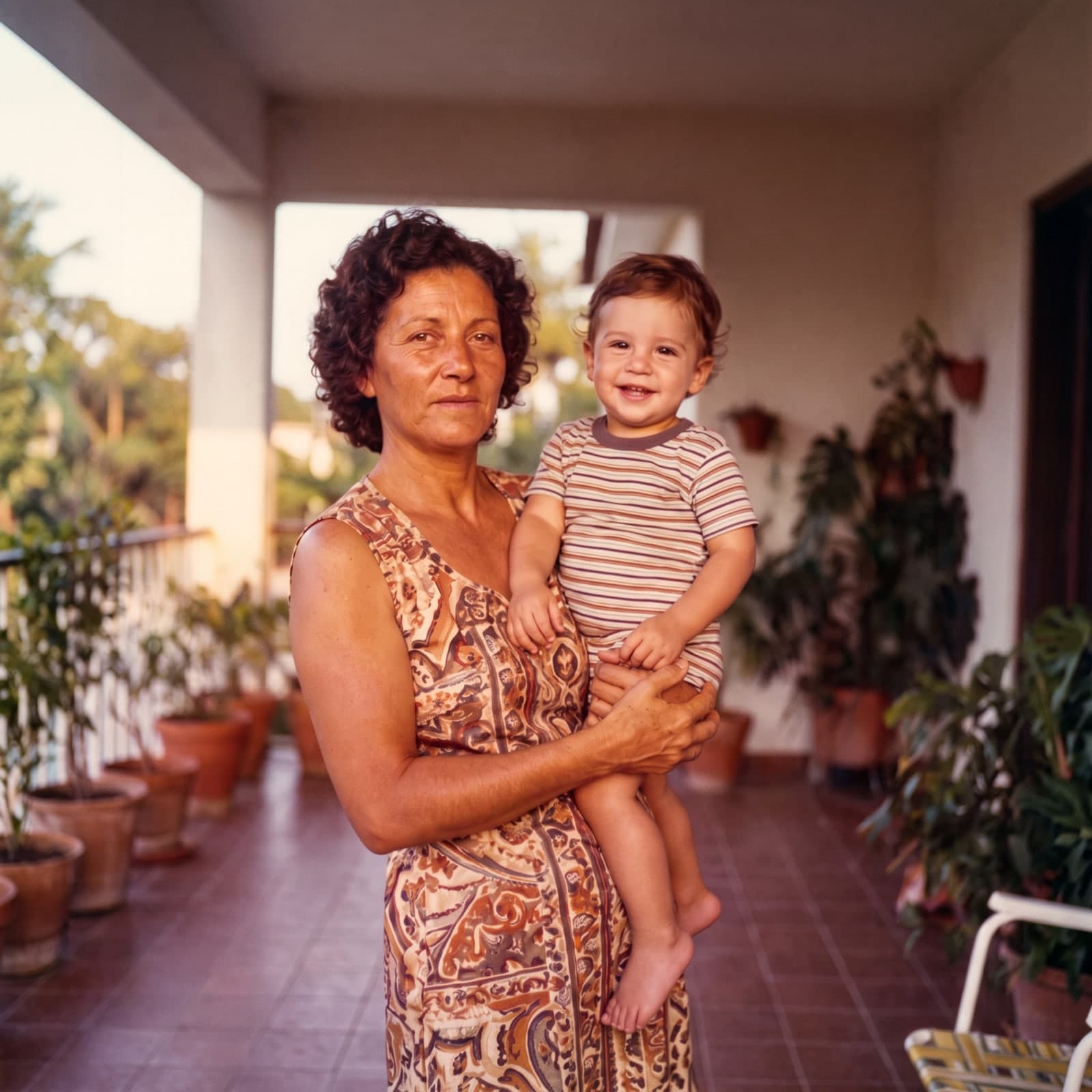
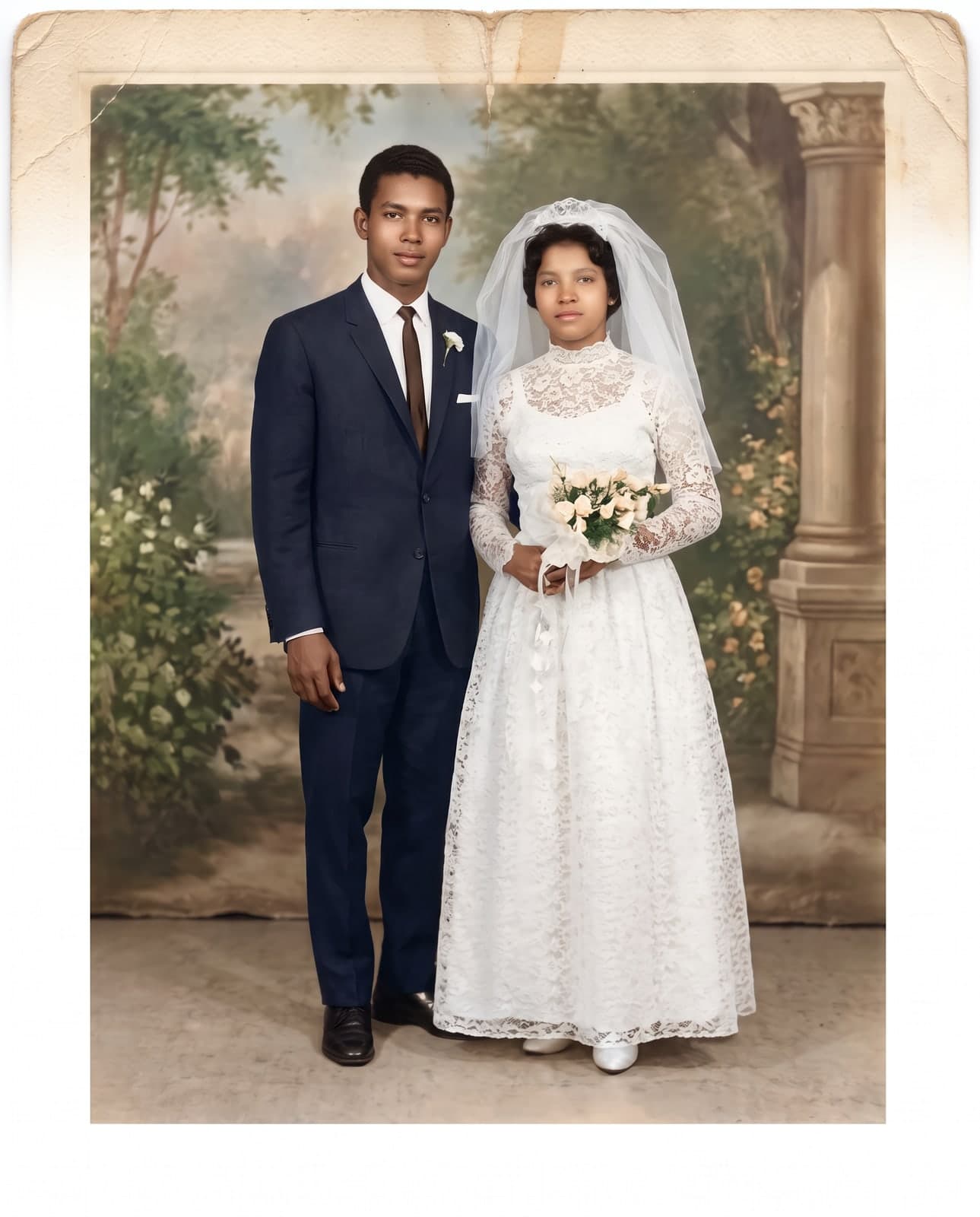
Wedding, 1960s, and family, 1970s: examples restored by RestauraAI.
Before you choose
What’s the best AI to restore old photos?
The best one brings back sharpness without changing the face of the person in the photo, shows you the result before charging and delivers a resolution you can print. Use these four points to compare any tool, ours included.
Try it with my photoThe face is still that person’s
What to check: Compare the features before and after: eyes, mouth and face shape.
At RestauraAI: The AI is instructed to keep each person’s features, and you check it in the preview before paying.
You see the result before paying
What to check: Prefer seeing the finished photo before paying anything.
At RestauraAI: Try it free with your photo, no card: you see the result before you pay.
Resolution you can print
What to check: Check that the final file holds up to enlarging and framing.
At RestauraAI: In high quality: prints up to 5×7 in for 1 coin, or up to 11×14 in as a large print, for 2.
You pay only for what you use
What to check: Check that you can pay just for the photos you restore, with no subscription.
At RestauraAI: One-time card packs, no subscription. Purchased coins don’t expire.
Your photo, your account
From upload to download, handled with care.

Protected upload
The connection to the site is encrypted (HTTPS), from upload to download.

A gallery that’s yours
Photos stay in your account’s gallery, behind your login.

No AI training
Under our Privacy Policy, RestauraAI does not use your images to train AI models.

If it fails, the coin comes back
If a restoration fails, the coin goes back to your balance automatically.
Secure payment
Cards through Stripe. Card details never pass through RestauraAI.


Frequently asked questions
Before you upload your photo
The most common questions from people restoring their first photo.
Can I restore an old photo for free?
Yes, the first preview is free: create your account, upload the photo and see the result with a watermark, no card needed. To download it in high resolution without the watermark, use coins, from US$2.99.
How much does it cost to restore an old photo?
Each photo uses 1 coin; a large print uses 2. The starter pack costs US$2.99 and includes 1 coin. In the 10-coin pack, each photo costs US$0.85. One-time payment by card.
Can I restore an old photo on my phone?
Yes. RestauraAI works in your phone’s browser, with no app to install: photograph the old print, upload it and download the result on the same device.
Does the AI change the person’s face?
The AI is instructed to keep each person’s features and recover what time erased. Where the photo lost information, it fills in by interpretation. That’s why you see the preview before you pay.
Does it work on torn, stained or moldy photos?
Yes. The AI treats tears, creases, stains, mold and fading. The result depends on what still shows in the photo: missing parts are rebuilt by interpretation. Check the preview before you buy.
Can the AI colorize black-and-white photos?
Yes. The AI picks natural colors consistent with the period, based on the light and the elements in the photo. It is an interpretation: there is no way to know the exact colors of a black-and-white photo.
Do I need a subscription?
No. Coins come in one-time packs, and purchased coins don’t expire. The monthly plan is optional, for people who restore often.
Which photo formats can I upload?
JPG, PNG, WEBP and HEIC (iPhone), up to 25 MB per photo. It can be a scanned photo or one taken with your phone.
What happens to my photo afterwards?
It appears in your account’s gallery, protected by your login. Download the file to keep your own copy: the gallery is not a backup. Data use and retention are covered in the Privacy Policy.
Which photo do you want to see again?
The one in the drawer, the one in grandma’s album, the one on the living-room wall. Upload it now and see it back in seconds.
Restore my photoTry it free, no card needed. You only pay if you love it, from US$2.99.