



Skip to content

Batch restoration

Restore your family's
whole album

The 1974 wedding album. The shoebox of your Mom's photos. Upload up to 50 photos at once and watch each one come back. Try the first preview on us; in a batch, each photo uses coins from your balance and you see the total before you start.

The whole family's box of photos — no one ever had the time to fix them one by one.

Upload a set of photos and follow each restoration. Review the results before saving or sharing.

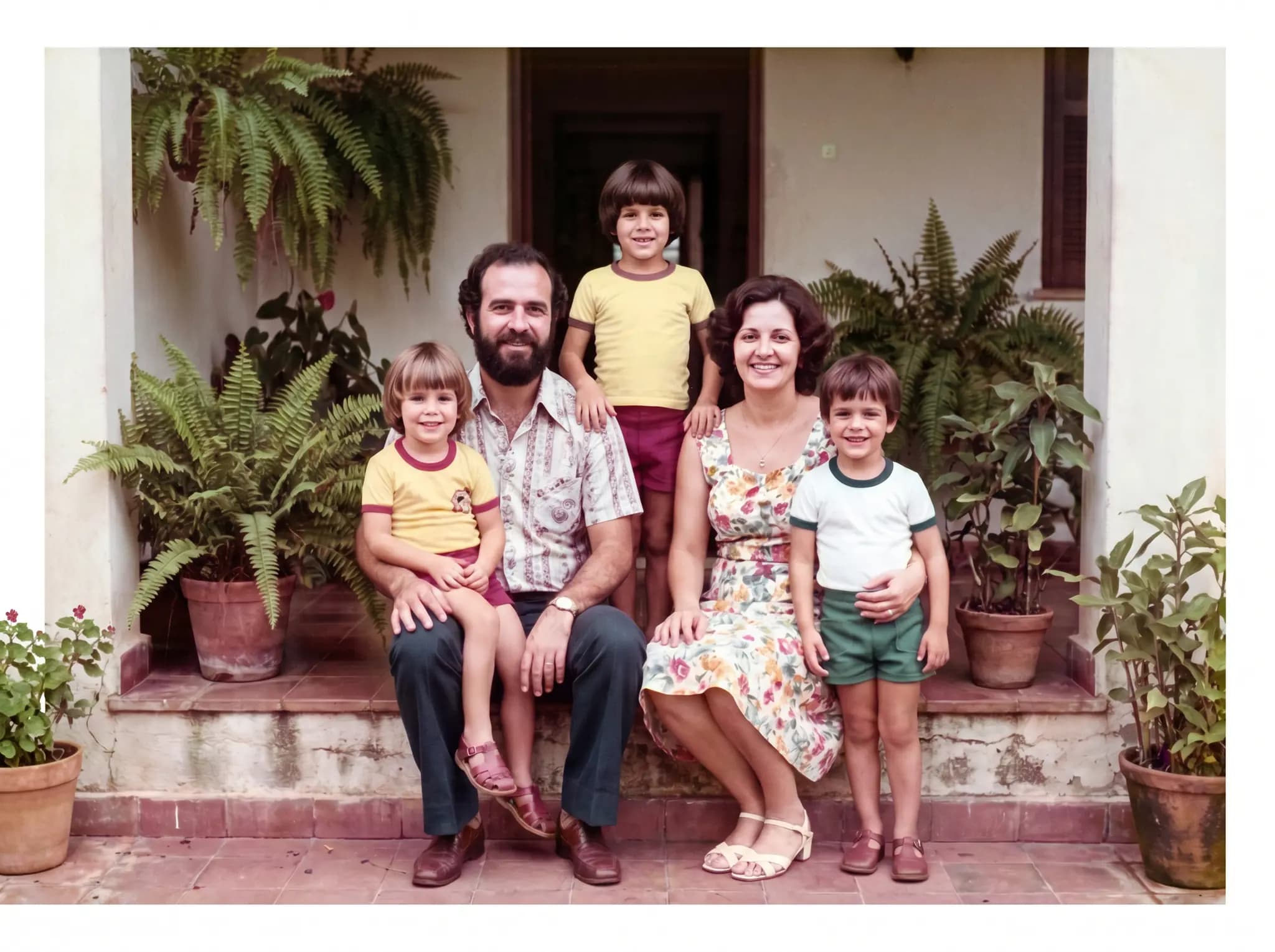
Old family photo colorized after batch restoration
1968
Old family-album portrait restored, with no tears or stains
1985
Damaged photo from an old album recovered through restoration
1972

Who batch restoration is for

Your parents' wedding album

The 1974 wedding photos are stuck to the plastic and losing their color. Restore all 40 at once before the golden anniversary and review each one before printing it again.

The box of photos at Grandma's

That shoebox no one's opened in years. Scan it with your phone, upload the batch, and text each crisp portrait to the cousins.

The photos for Grandpa's 80th

The slideshow on the big screen needs sharp photos. Restore the guest of honor's whole life — from black-and-white baby photos to the grandkids — uploading it all at once.

The same care, photo by photo

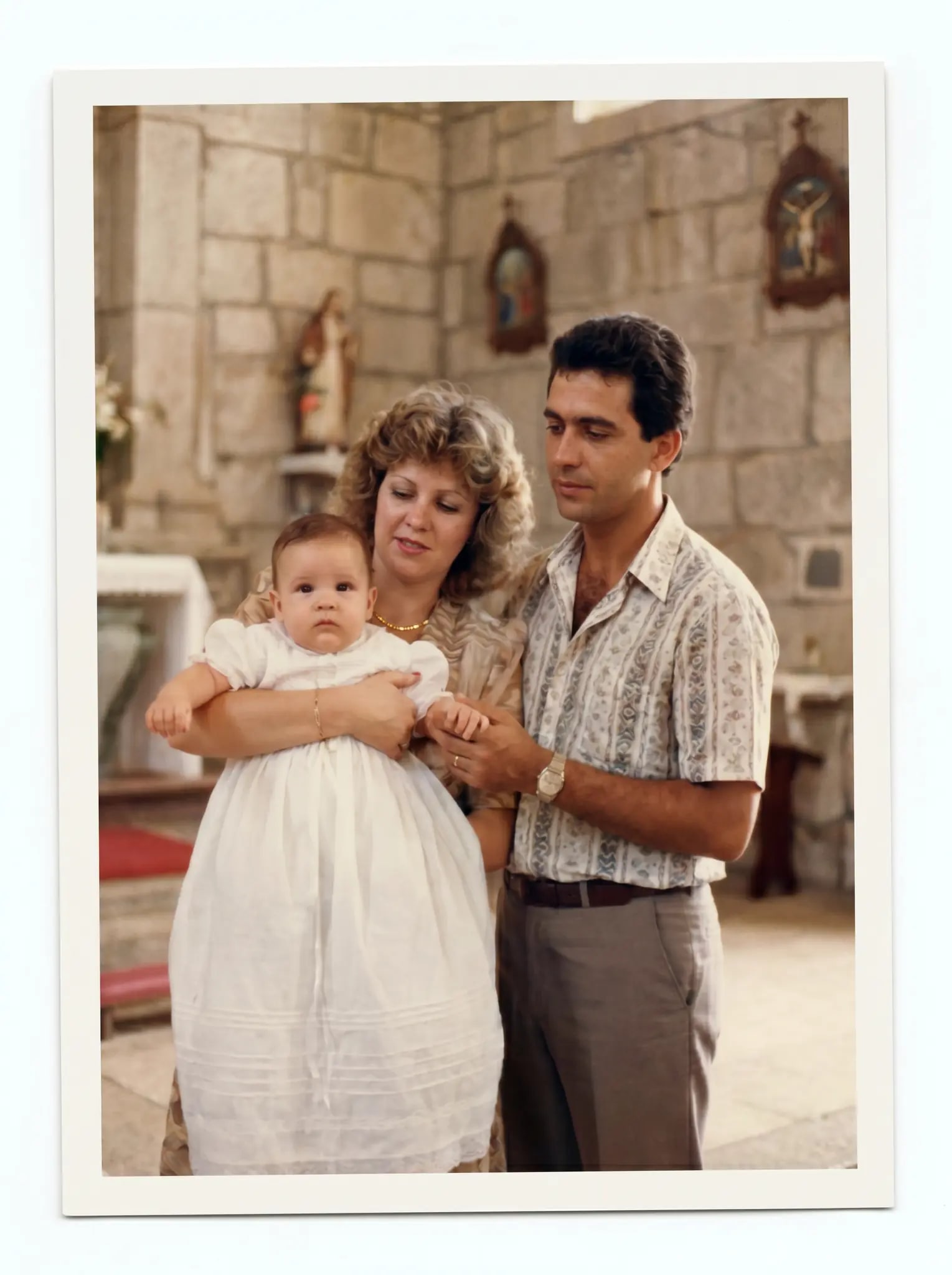
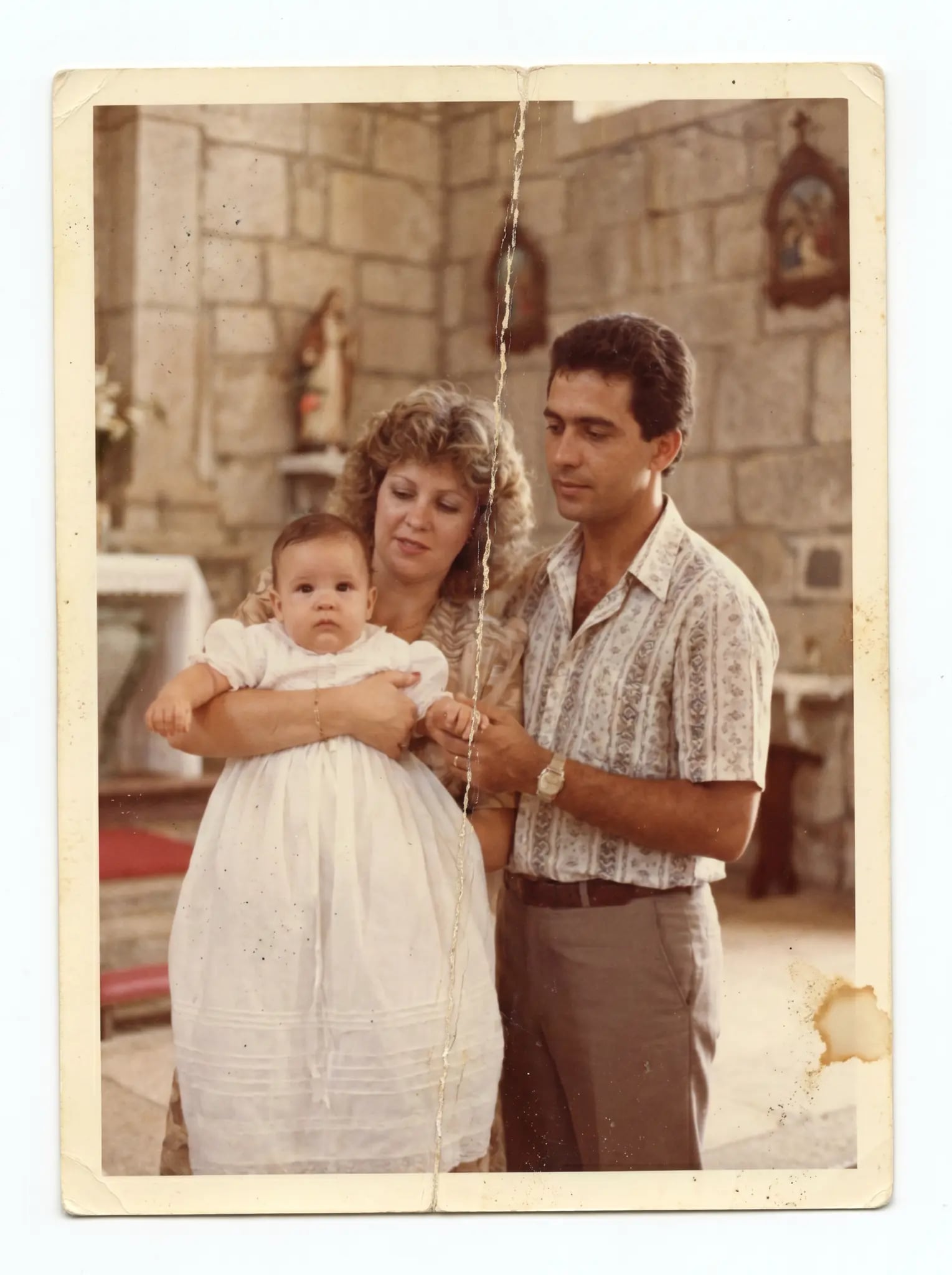
Drag to compare. Every photo in the batch goes through the same restoration as a single photo: tears, mildew, faded color.

Restored christening photo, with color and sharpness recovered
BeforeAfterUse the left and right arrows to move. Shift goes faster, Home/End jump to the ends.
The christening
Restored graduation photo, sharp and undamaged
BeforeAfterUse the left and right arrows to move. Shift goes faster, Home/End jump to the ends.
The graduation
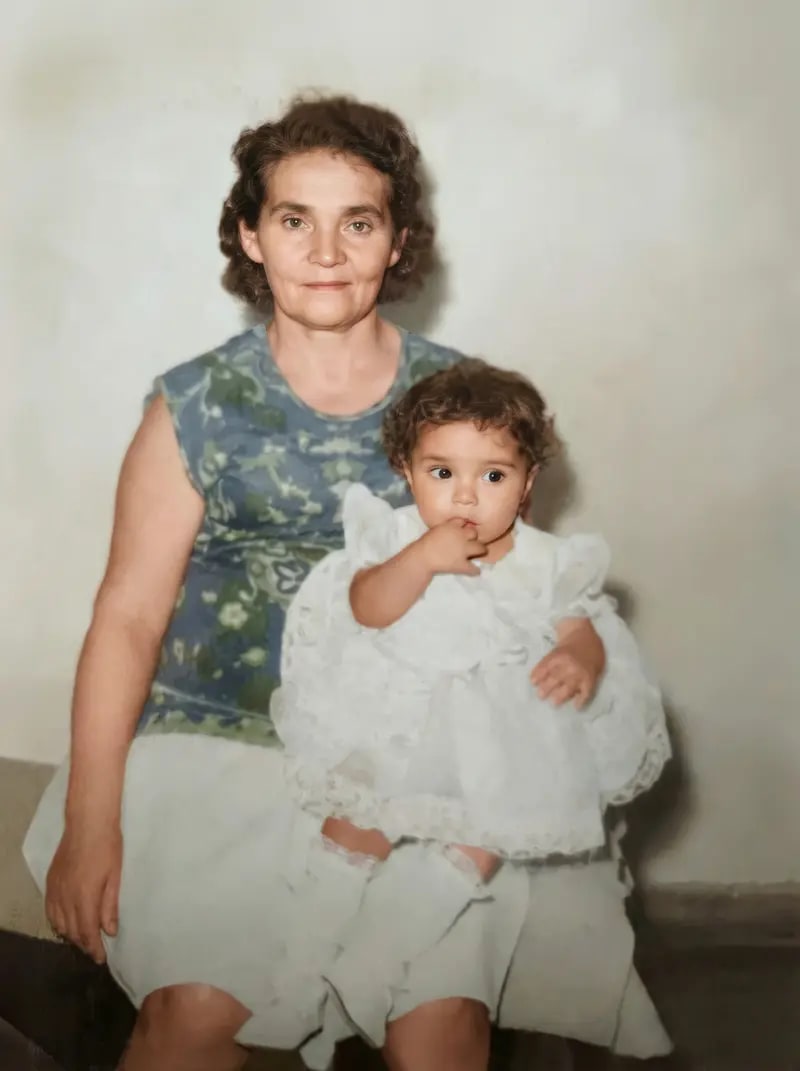
Old portrait restored, with the face sharp
BeforeAfterUse the left and right arrows to move. Shift goes faster, Home/End jump to the ends.
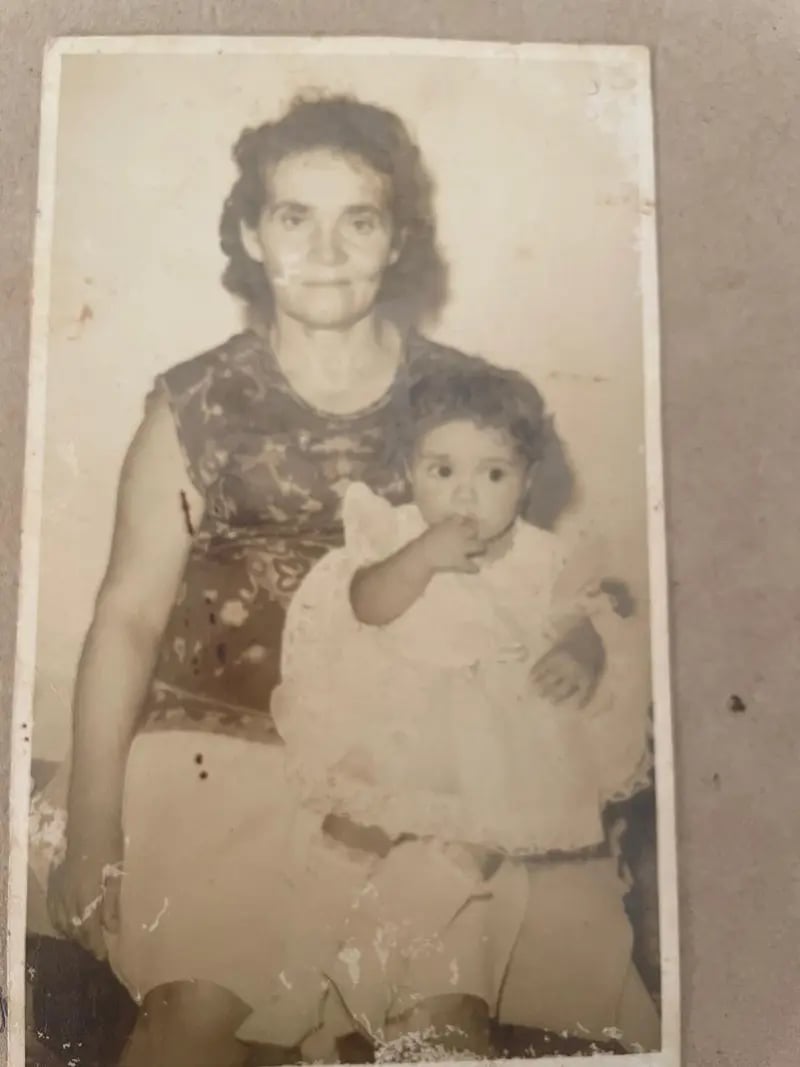
Grandma's portrait

3 steps, the whole album.

— the whole shoebox, back in color.
  1. Scan with your phone.

    Scan with your phone.

    Photograph each page in good light. No scanner needed — we put together a 5-minute guide.

    A phone photo is enough, no app at all.

  2. Upload the batch at once.

    Upload the batch at once.

    Up to 50 photos per album — JPG, PNG, WebP, or HEIC (iPhone photos). You can add a note per photo: "this one has mildew in the corner".

    One note per photo, if you want to guide the restoration.

  3. Download the restored album.

    Download the restored album.

    Follow processing and review each image. Timing depends on the photos and the queue. After a purchase, download available results from the gallery.

    Results stay in your account gallery.

What it costs to restore an album

No custom quotes. Each photo uses coins from your balance, and you see the total before you confirm the batch.

First preview
Free when you sign up, watermarked
Each photo in 2K
1 coin · US$2.99 each
Each photo in 4K
2 coins
Family plan · US$29.99/mo
80 coins · US$0.37 per coin

A 50-photo album in 2K uses 50 coins. With the Family plan, 30 are left over for the shoebox at Grandma's.

Questions about the family album

How many photos can I upload at once?

The upload screen shows the album photo limit. Follow each image’s progress and check how many coins will be used before starting.

Do I need to scan the album before uploading?

Yes — restoration starts from the digital file. No scanner needed: a photo taken well with your phone does the job. The guide "How to scan with your phone" walks you through it in 5 minutes.

How much does it cost to restore a 50-photo album?

50 coins, one per photo in 2K (in 4K, 100). The 50-coin pack is US$29.99 — US$0.60 per coin. For the same price per month, the Family plan gives you 80 coins: US$0.37 per coin, with 30 left over for the next album.

Which file formats are accepted?

JPG, PNG, WebP, and HEIC (the iPhone photo format). HEIC is converted automatically before upload, and the screen tells you if any file is over the limit.

Where do the photos go after they're restored?

In your account gallery. After a purchase, you download them on your phone or computer and delete anything you don't want to keep.

Who else sees the photos in my album?

Results are available in your account gallery and can be deleted from your dashboard. See the Privacy Policy for details about processing and data retention.

Start with the first portrait

The first preview's on us. In the album, upload up to 50 photos at once; each one uses coins from your balance.