
Printing guide
From restored photo to wall art: what to agree with the print shop.
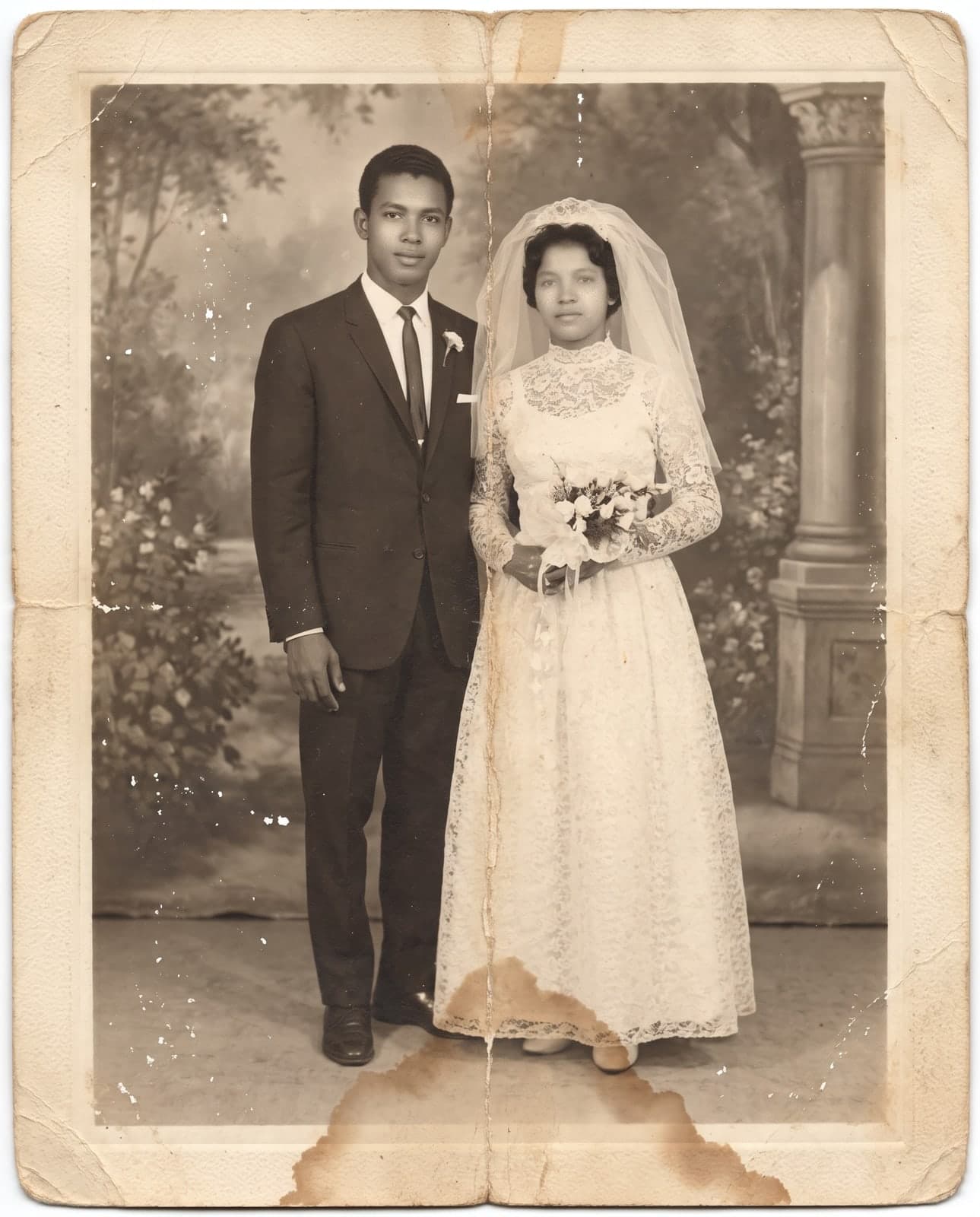 Before
 After
AfterRestore the photo, download the file without the watermark, preferably in 4K, and take it to a print shop or frame store.
- Free trial, no card
 High quality from US$2.99
- Card, no subscription
Quick answer
How do you turn a restored photo into wall art?
Restore the photo, download the file without the watermark, preferably in 4K, and take it to a print shop or frame store to print and frame. RestauraAI delivers only the digital file; printing, framing, price, and turnaround belong to the shop you choose.
What to do with the file
Three pieces a restored photo can become
A portrait for the living room
A family photo front and center, in the frame you choose at the store.
A wall of several photos
Restore photos from different eras and build a gallery wall with several frames.
A framed gift
Hand over the finished piece or just the file, so they can print it the way they prefer.
Before you print
Four things to agree with the print shop
Choose the finish
Print shops usually offer photo paper and canvas prints, plus frames; some also print on acrylic. Each option has its own price and turnaround.
Download in 4K to enlarge
4K keeps more detail for large sizes. How sharp it looks on the wall also depends on the original photo.
Ask about resolution and file type
Every print shop has a minimum requirement. Ask first and check that it accepts the file you downloaded.
Check the cropping
An old photo may have different proportions than the frame. Ask to see how the crop looks before printing.
From photo to file
Restore, check, and give
Upload the photo
Photograph the paper print with your phone, in natural light and without glare, or upload the digital file.
How to scan a photo with your phoneCheck the preview
The restored photo shows up in seconds. Compare it with the original before you decide.
Download and give
Print it wherever you prefer or send the file by text.
RestauraAI delivers the digital file. Printing, framing, and physical delivery are up to the print shop or service you choose, with its own price and turnaround.
Price
High quality from US$2.99
The trial is free and needs no card. Each high-quality photo costs 1 coin at 2K or 2 coins at 4K. Card, no subscription.
See all pricingQuestions
Questions about printing wall art
Is 4K enough for a large print?
4K is the most detailed file RestauraAI delivers. For how large it prints well, ask the print shop; the result also depends on how much the original photo kept.
Do I need a scanned photo?
No. Photograph the paper print with your phone, in natural light and without glare, and upload it. If you have a scanner, a scanned file works too.
Does RestauraAI print or frame?
No. We deliver the digital file. Printing, framing, price, and turnaround are up to the print shop or store you choose.
How much does it cost?
The first preview is free, with a watermark. The file without the watermark starts at US$2.99. One photo costs 1 coin at 2K or 2 coins at 4K.
Other occasions
Other ways to use the photo
Printing guide
Custom gift
How to take the restored file to a print shop and print it your way.
May
Mother's Day gift
The photo of Mom when she was young, or the family one she keeps, restored.
Silver and golden anniversaries, and more
Anniversary gift
The wedding photo from 25, 50, or more years ago, restored.
Start with the photo that deserves a place on the wall.
Start with the free trial and compare it with the original before you decide.
Restore the wall art photoHigh quality from US$2.99
If the restoration fails, the coin goes back to your balance. Refunds follow the Terms of Use: within 30 days of purchase, case by case. See the Terms