
Before and after
Restored photo gallery
6 examples of an old photo, before and after restoration. Drag the handle to compare.
Restore my photoCompare the examples
Drag the handle or use the keyboard arrows.
Showing 6 examples
 BeforeAfter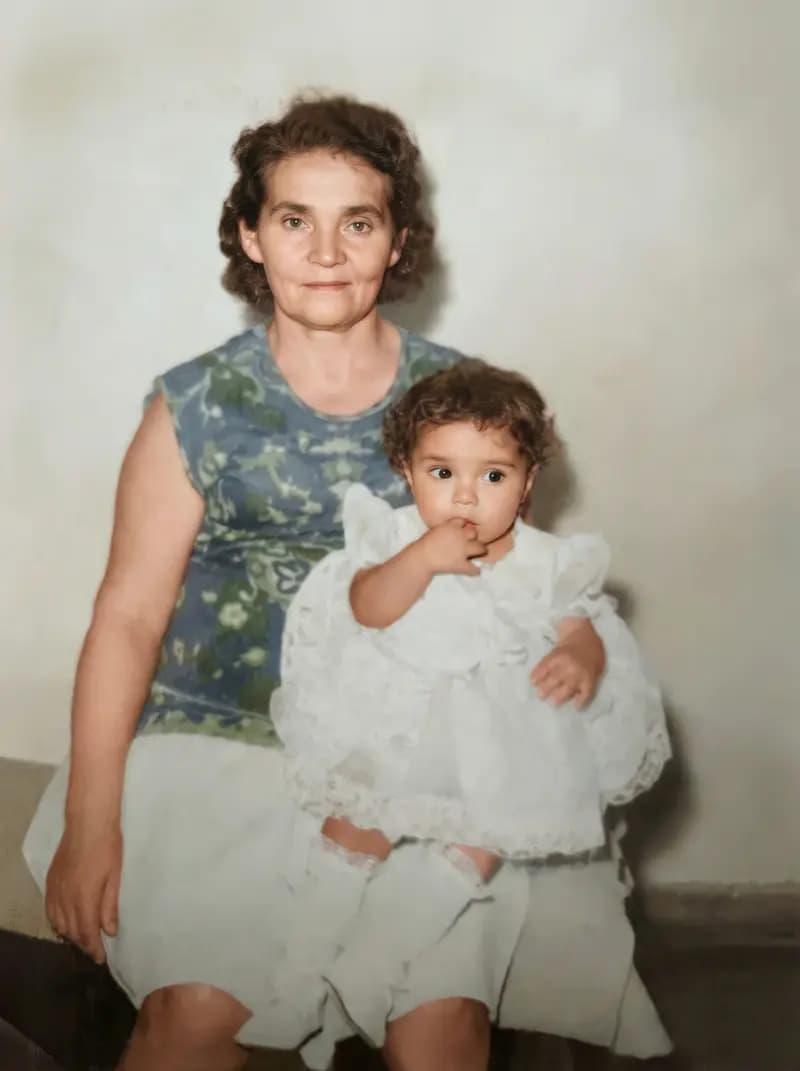
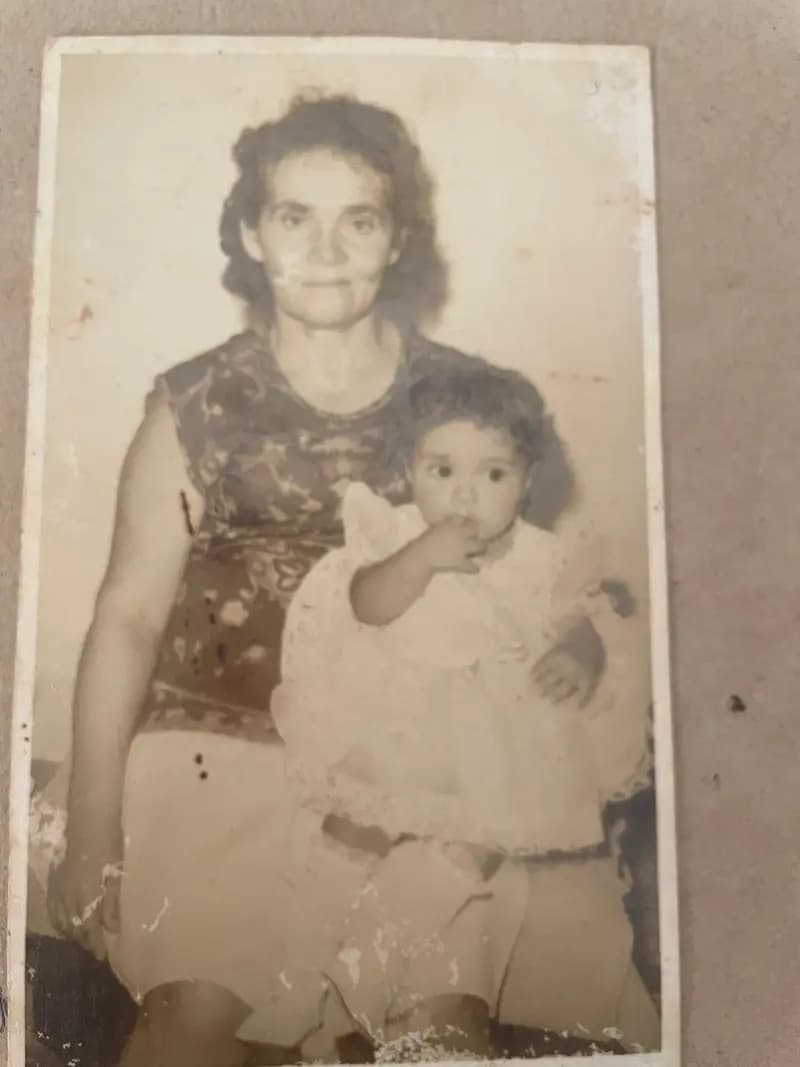
Woman holding a baby
1980s lookSepia photo with stains and missing parts at the bottom. The restored version comes back in color, without the stains, and rebuilds what was missing.
 BeforeAfter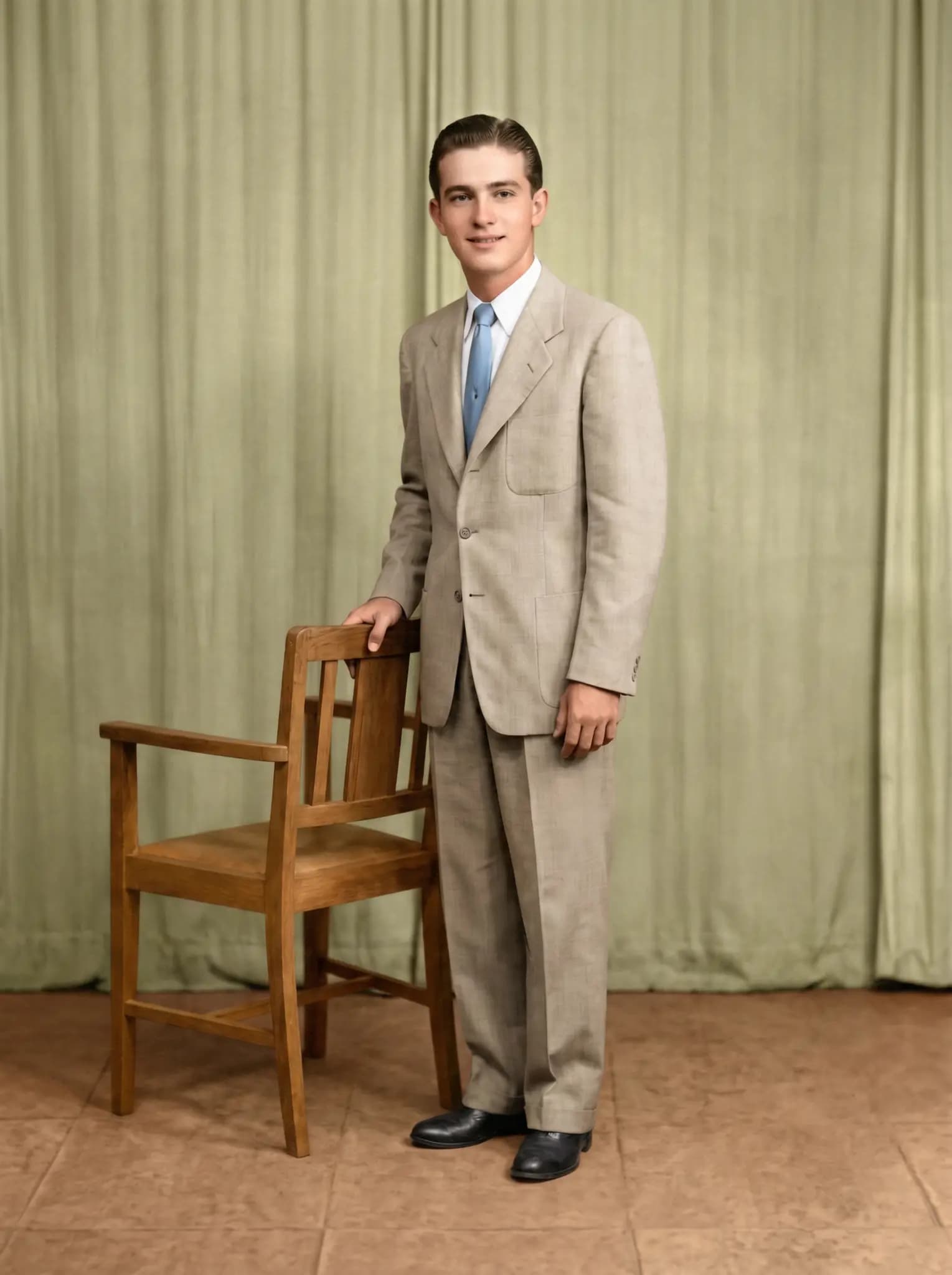
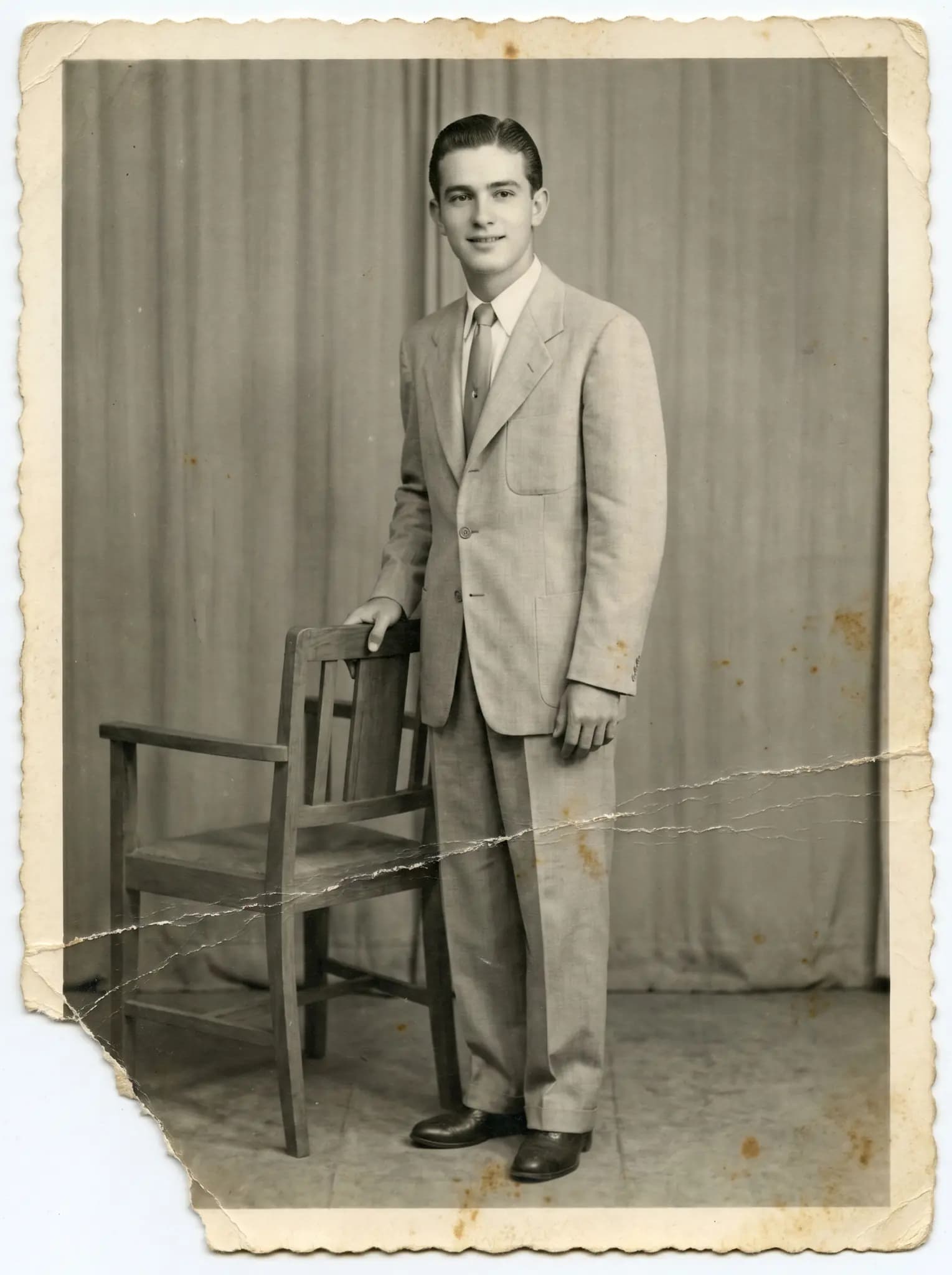
Studio portrait
1950s lookBlack-and-white portrait with a missing corner and creases. The restored version shows the corner rebuilt and the scene in color.
 BeforeAfter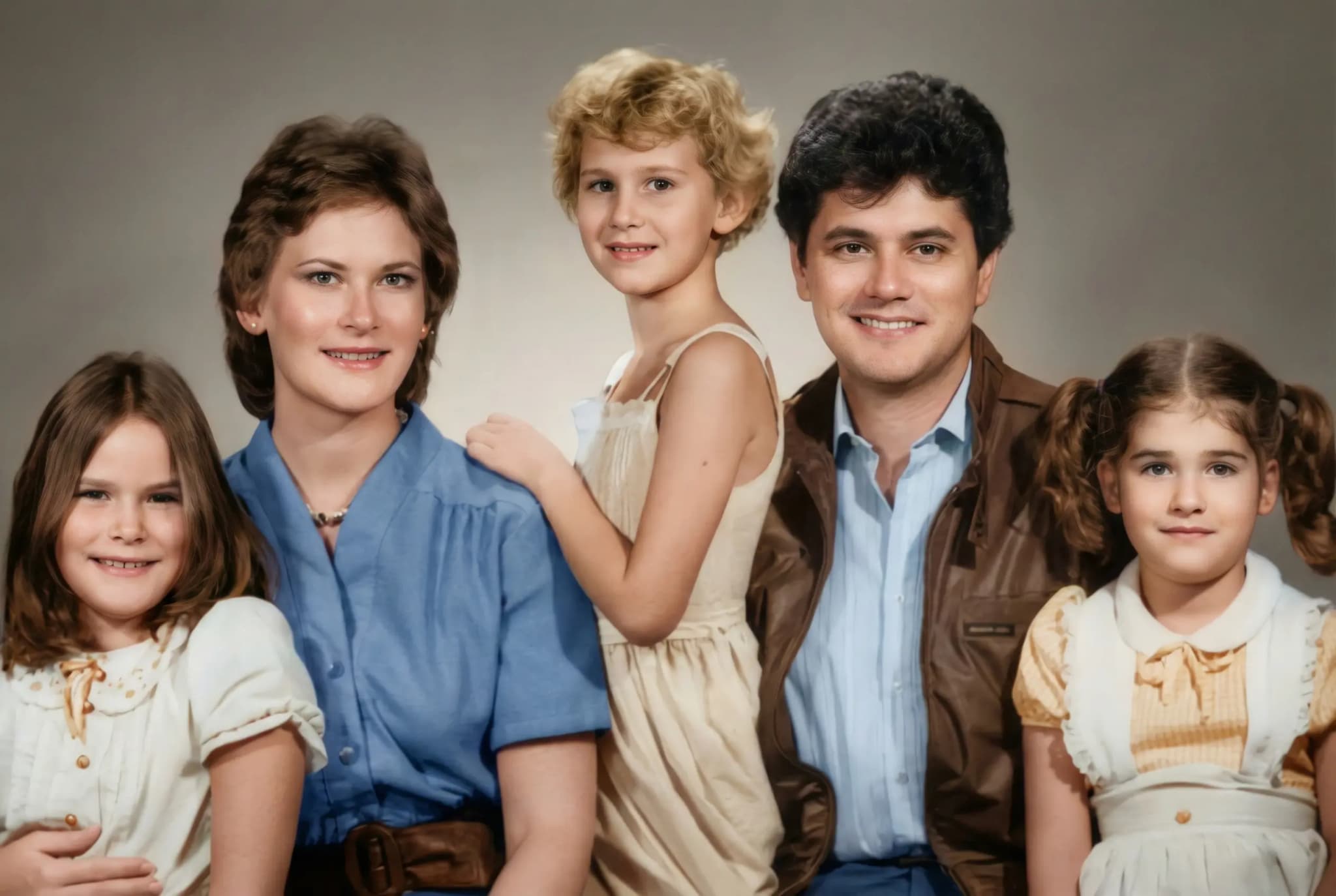
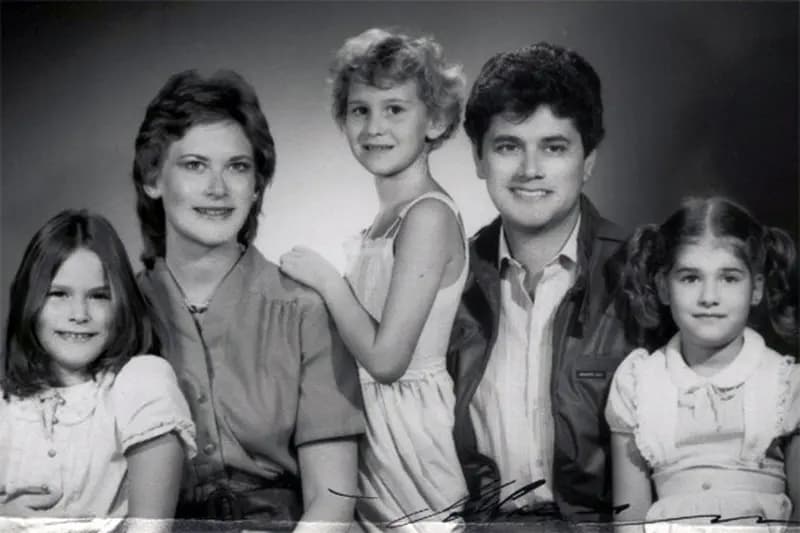
Black-and-white family photo
1980s lookBlack-and-white photo. The restored version comes back in natural colors.
 BeforeAfter
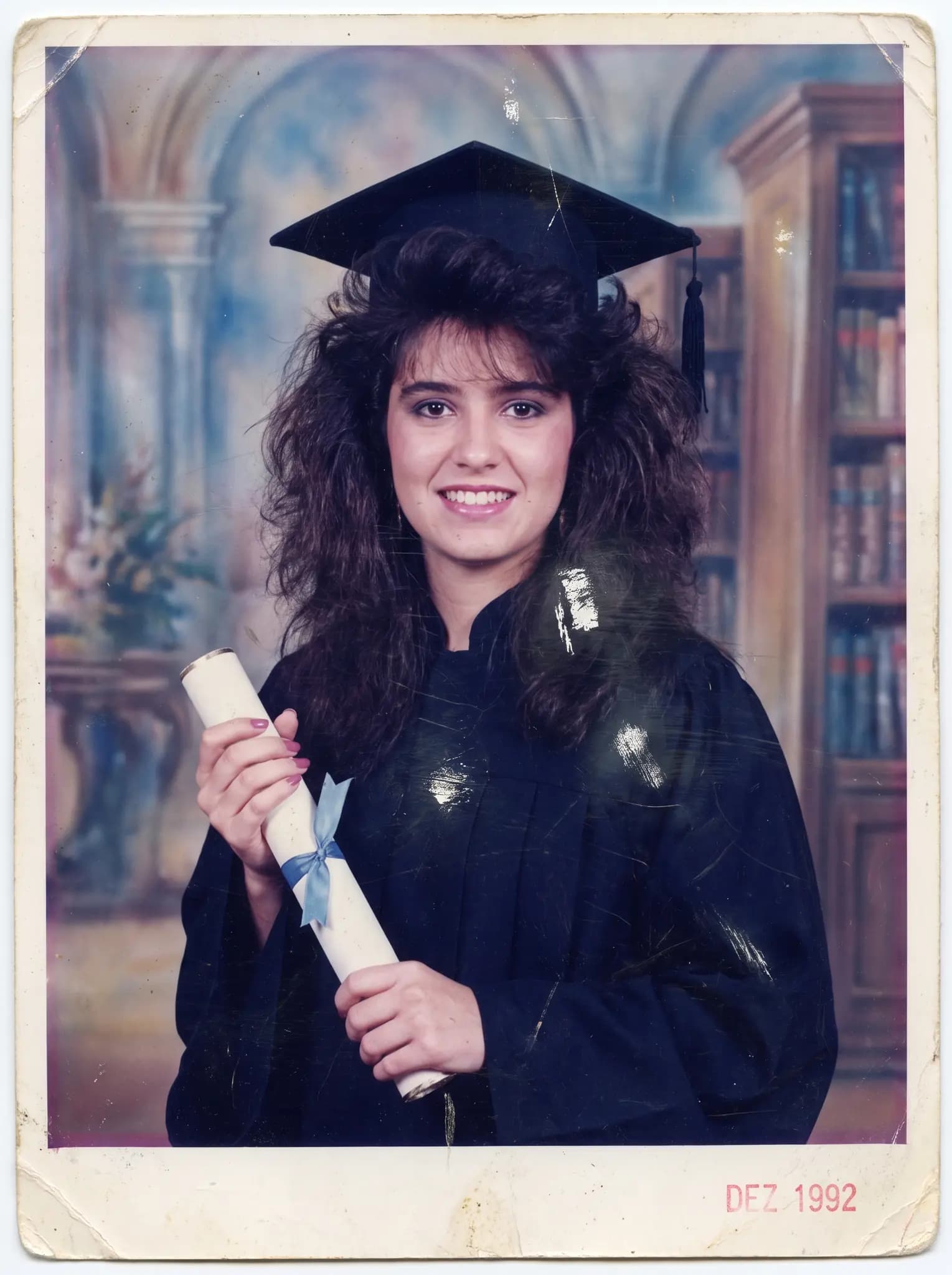
Graduation
1990s lookLow-quality graduation photo, scratched and with faded colors. The restored version shows the scratches removed and the colors back.
 BeforeAfter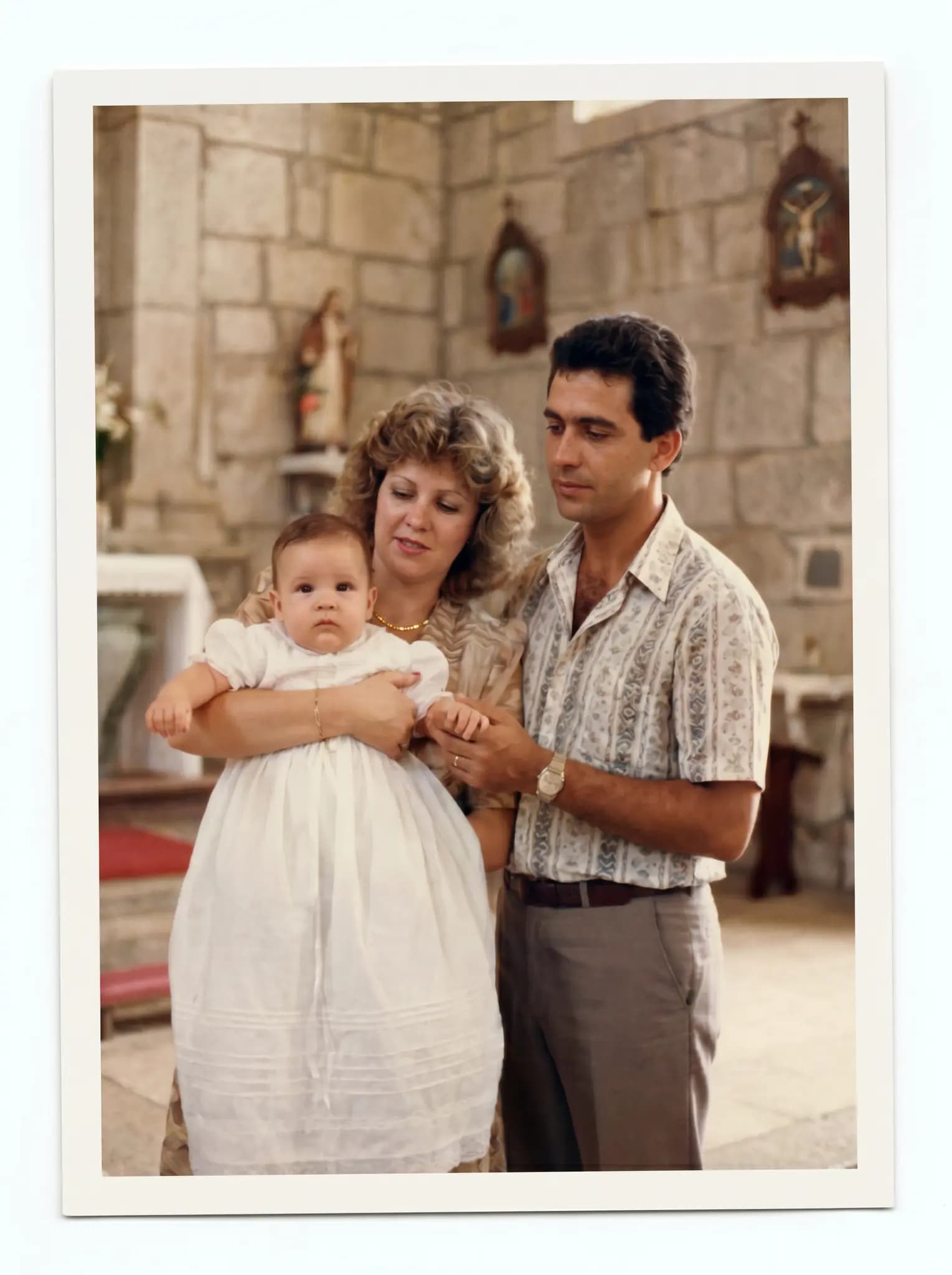
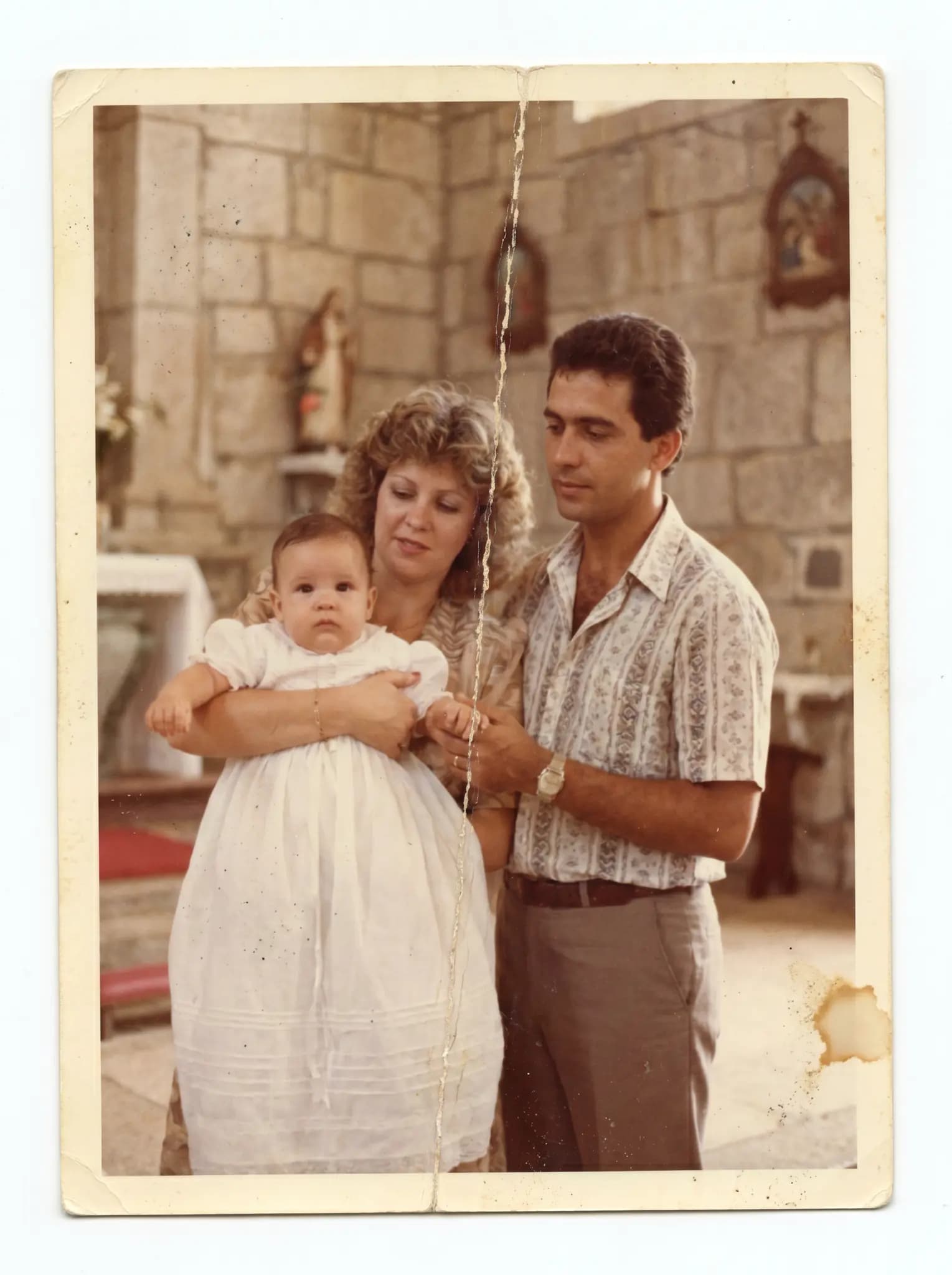
Baptism
1980s lookYellowed photo with a crease running across the scene. The restored version shows natural colors and the crease removed.
 BeforeAfter
Sepia portrait
1940s lookSepia studio portrait covered in mold and damp stains. The restored version shows the stains cleaned and the portrait in color.
What the AI does and what it doesn't guarantee
Compare the preview with your photo before you decide.
Faces
The restoration is built to keep the features. Where the photo lost parts, what appears is the AI's interpretation.
Color
Every photo comes back in natural color. In a black-and-white photo, the color is an AI estimate.
Damage
Tears, mold and stains are rebuilt from what remains around them. Check the result in the preview.
Questions about the gallery
Can I try it with my photo?
Yes. Create an account and see the first preview free, with a watermark and no card. Compare it with the original before you decide.
How much does it cost to restore a photo?
The entry pack costs US$2.99. Each photo at standard quality (2K) uses 1 coin; the frame-ready version (4K) uses 2 coins. Any purchase unlocks the frame-ready version and removes the watermark from the photo.
What if I don't like the result?
See the preview before you pay. If the restoration fails, the coin comes back. Refunds follow the Terms of Use: within 30 days of purchase, case by case.
How long does it take?
It varies with the photo. You can follow the progress on screen.
Do my photos appear in this gallery?
No. A restoration only enters the public gallery if the person who made it shares it. The gallery in your dashboard requires a login and does not replace your backup; the Privacy Policy explains the rest.
Now, look at your photo.
Upload a digital copy and compare the restoration with the original before you decide. Free trial, no card. You only pay if you like it, from US$2.99.
Restore my photo